🡠 Back


Where payment links are created
Reading time
1 min
Follow up
October 27, 2026
afrus.ai
Learn which AFRUS screens you can use to create and send a payment link.
In this article
You can create a payment link from two places (labels as they appear in the Spanish version of the console):
- Home, Link de pago (Payment link) card. To send a link to anyone: you type their first name, last name and email. Only appears if your Business profile has a URL.
- A person's profile, Contacto (Contact) tab, Link de pago card. In Personas (People), open the person: the link uses their name and email.
The Follow up > Links de pago screen has no create button: it is for viewing, filtering and resending the links you already sent.
Before you start
- Have a default widget. The link uses that widget; without one, sending fails.
- Have a Business profile with a URL. The link is built on that address.
Need help? Talk to the afrus team
In this article
✕
Related Tutorials
Follow up
October 27, 2026
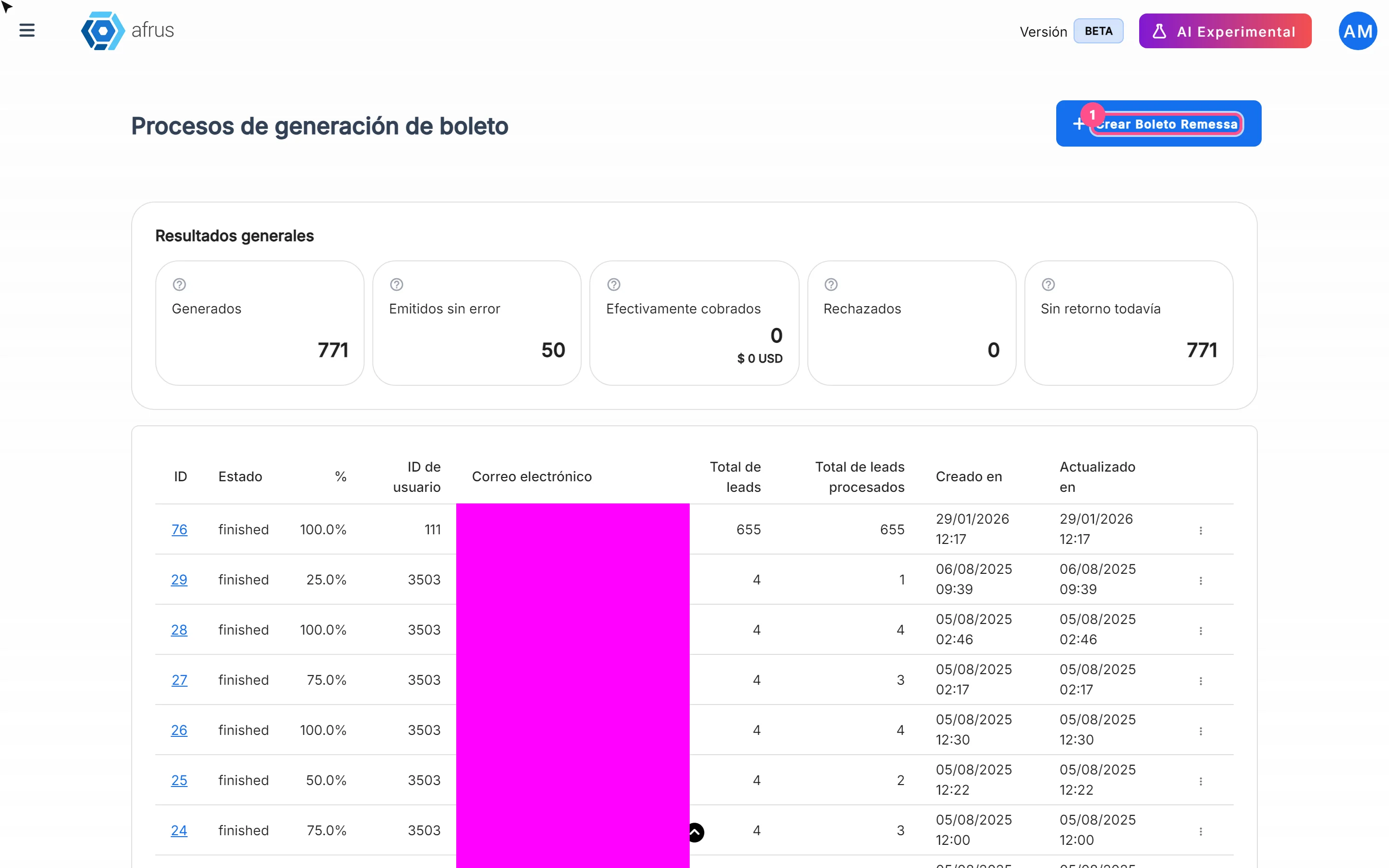
What Boleto Itaú is for
Learn what Boleto Itaú is for: generating boletos in batches, getting the bank file and tracking how many were collected.
afrus.ai
Follow up
October 27, 2026
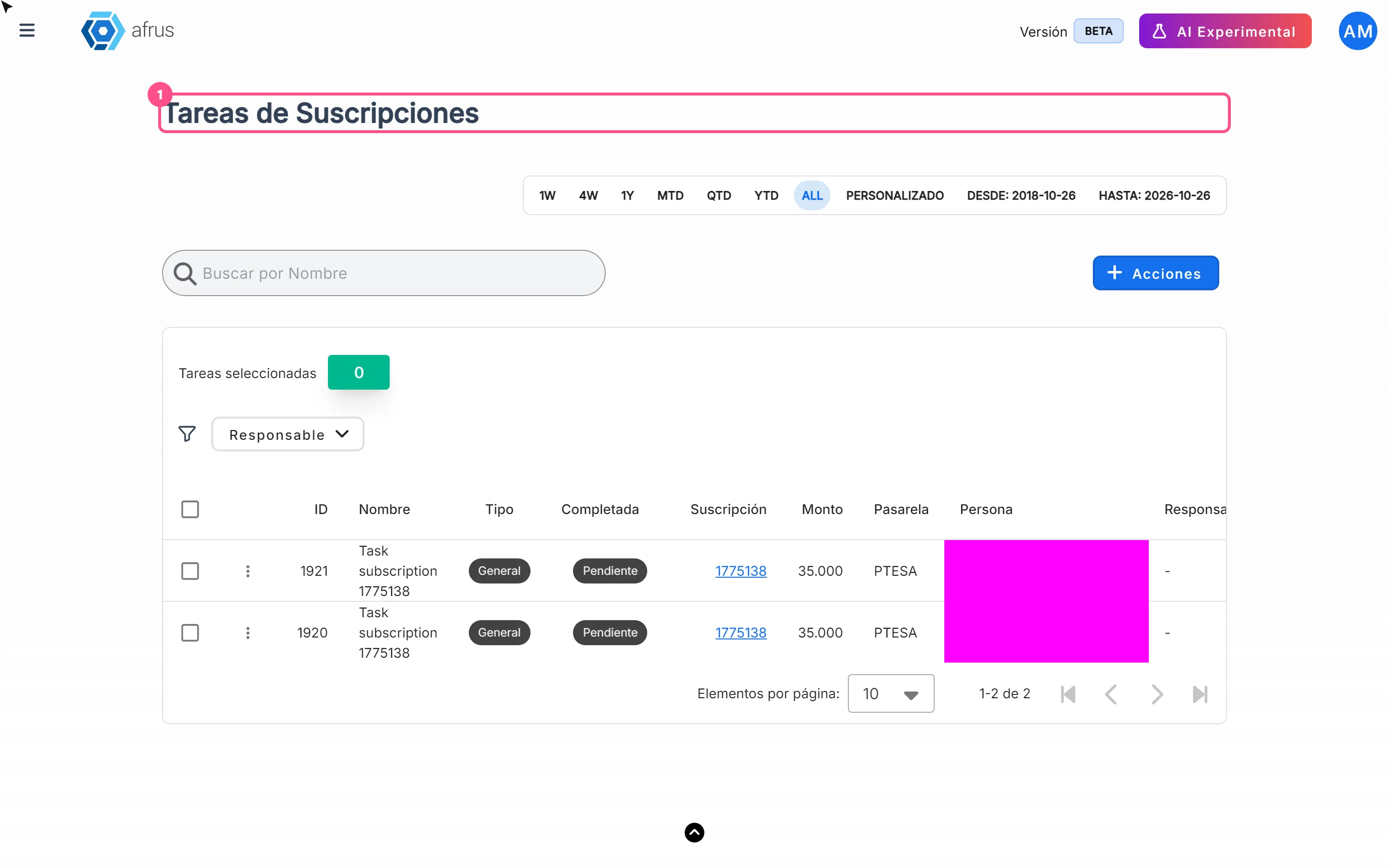
How often Subscription tasks update
Learn when Subscription tasks are created and reopened, and when the screen updates.
afrus.ai
Follow up
October 27, 2026
Does the task leave the list when the subscription is charged?
Learn what happens to a Subscription task when the subscription is charged successfully again.
afrus.ai
Follow up
October 27, 2026
Subscription task statuses
Learn what the Pending and Completed statuses and the task types mean in Subscription tasks.
afrus.ai