🡠 Back


How to delete a person
Reading time
1 min
People
October 27, 2026
afrus.ai
Learn how to delete one person or a group of people on AFRUS, and what is deleted along with them.
In this article
Labels are shown as they appear in the Spanish version of the console.
Before you start
- It is irreversible. The person is deleted with all their actions, events, transactions and subscriptions.
- Permissions. Your user needs permission to edit people.
Step by step: one person
- Open the profile and click "Borrar" (Delete).
- Confirm. Accept "¿Estás seguro que deseas eliminar esta persona?" (Are you sure you want to delete this person?).
If they had subscriptions with Débito Recurrente Bancario or Recurrent Payments, they are cancelled immediately in that gateway.
Step by step: several people
- Check the rows. In Personas, check at least one row or select the whole database.
- Choose Delete. Click "Acciones" (Actions), choose "Eliminar" (Delete) and confirm.
- If you chose the whole database, confirm in writing. In "[CUIDADO] Zona de peligro" (Danger zone) type borrar_toda_la_base.
Bulk deletion may take a few minutes.
Frequently asked questions
Can I recover a deleted person?
No. If you only want to stop contacting them, turn off their opt-in.
Need help? Talk to the afrus team
In this article
✕
Related Tutorials
People
October 27, 2026
What the People (Personas) module is for
Learn what Personas is for: finding your contacts, knowing their history, recording donations and managing consent.
afrus.ai
People
October 27, 2026
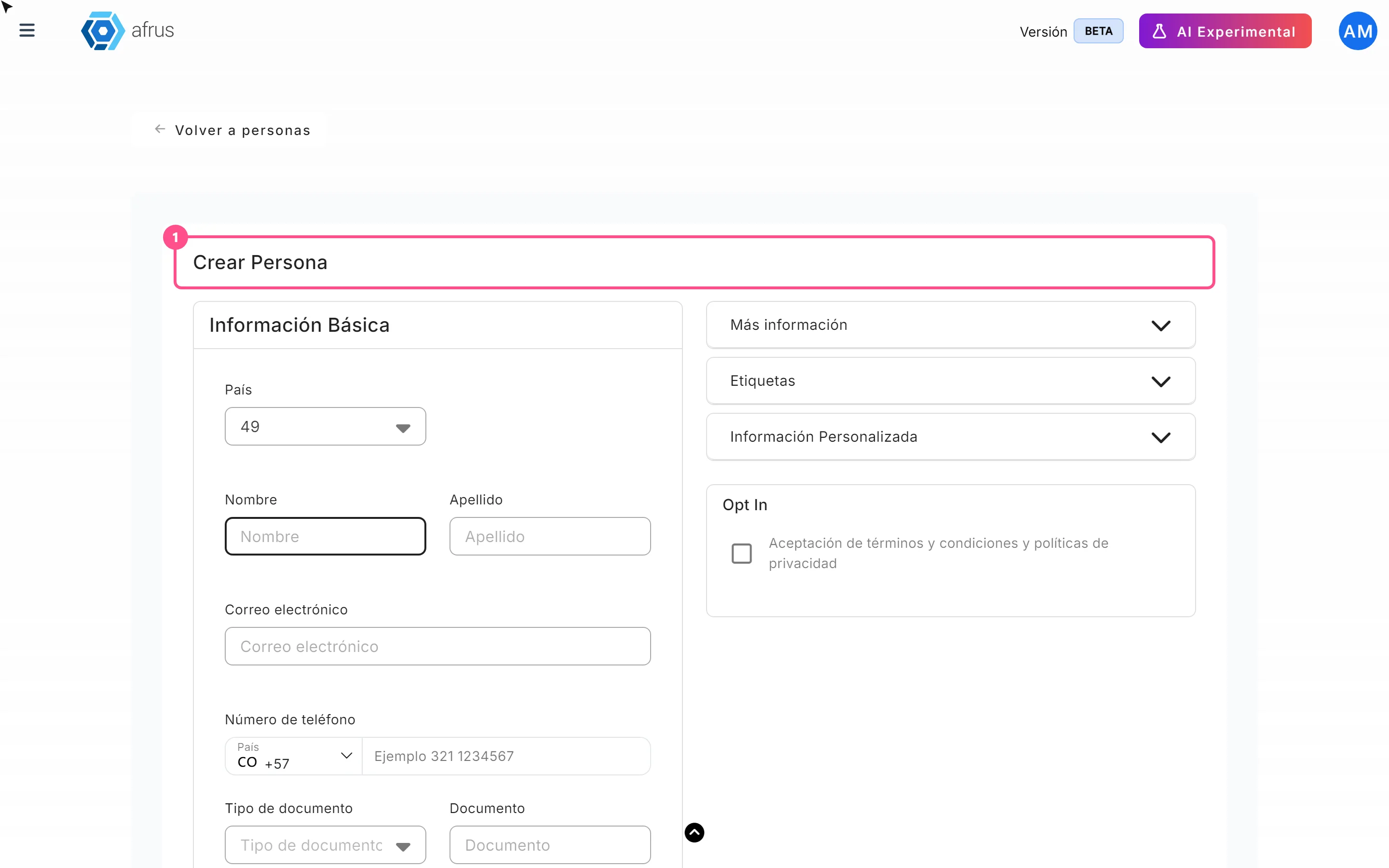
How to create a person
Learn how to create a person by hand on AFRUS, with their details, tags, custom fields and consent.
afrus.ai

People
October 27, 2026
How to download a group of people
Learn how to export a filtered group of people from AFRUS to Excel or CSV and find the file in Downloads.
afrus.ai
People
October 27, 2026
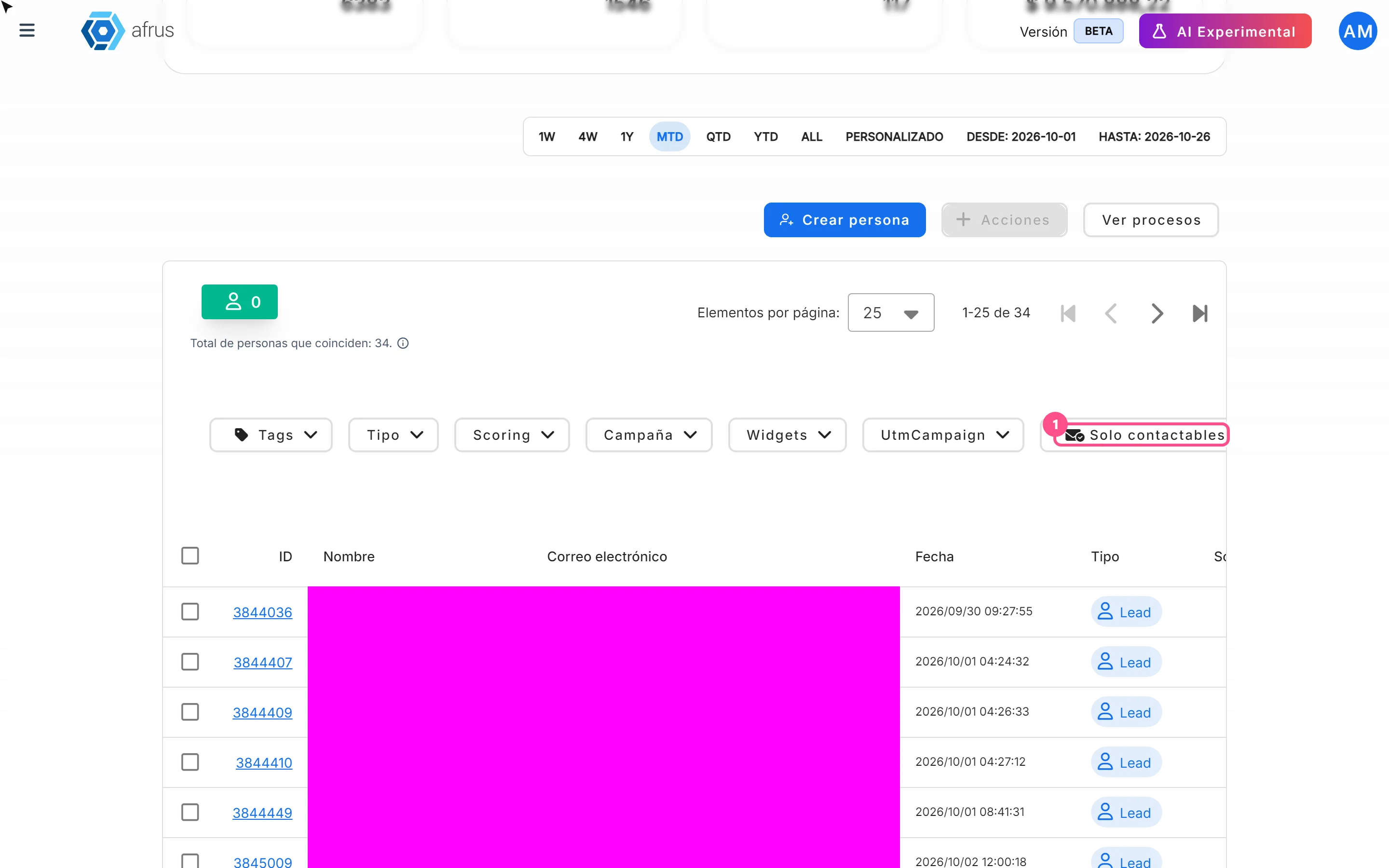
How to filter a group of people
Learn how to search and filter people on AFRUS by tag, type, scoring, campaign, widget, UTM, contactability and dates.
afrus.ai