🡠 Back


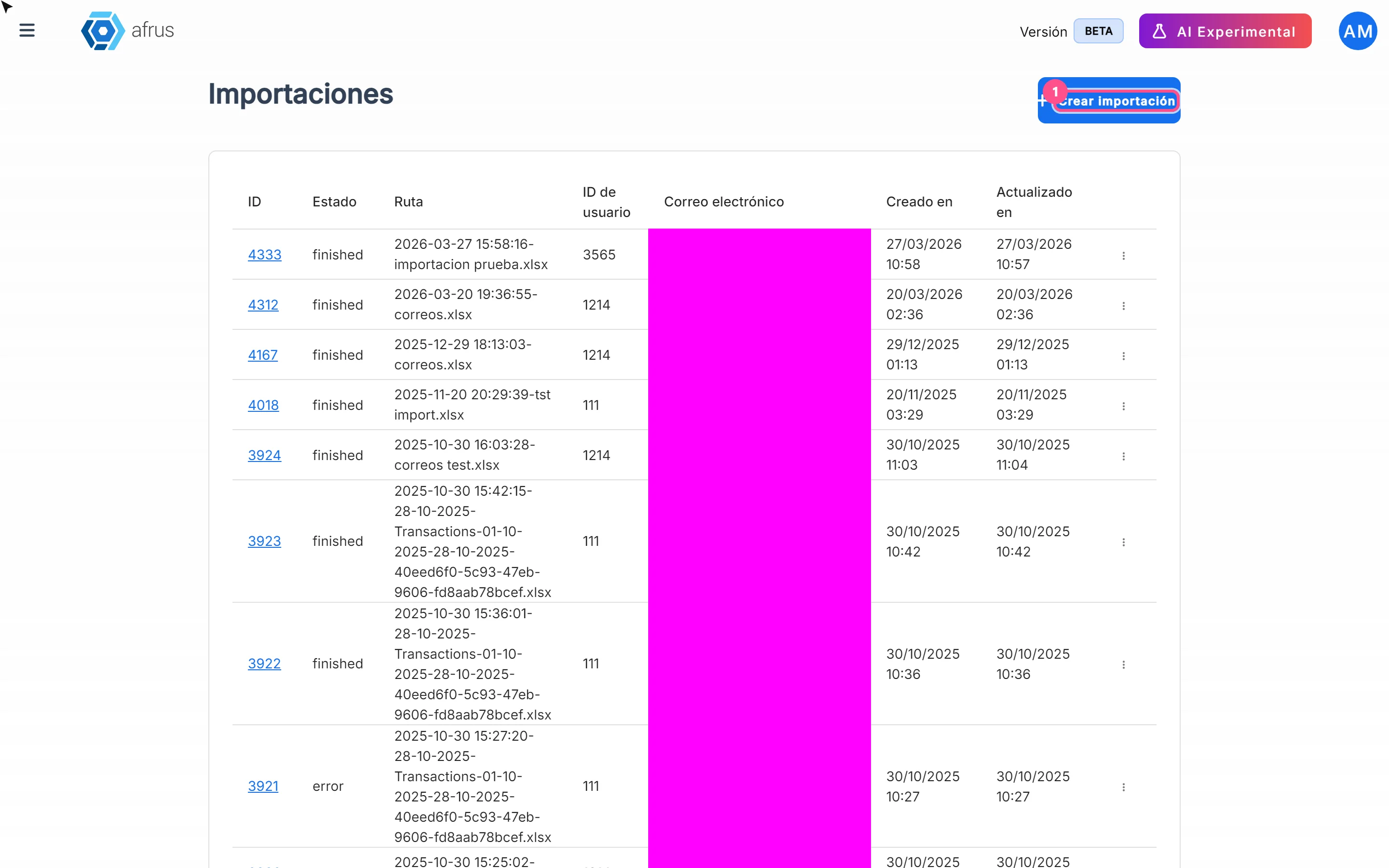
Itaú imports guide
Reading time
4 min
Follow up
October 28, 2026
afrus.ai
Complete guide to Itaú imports: every step with its screenshots and the frequently asked questions.
In this article
After reading this guide you will know what Importaciones - itaú (Itaú imports) is, what it is for, and how to upload the Itaú bank's return file so AFRUS records the donations from paid boletos.
Module: Follow up · Menu: Follow up > Importaciones - itaú · Audience: fundraising and finance teams at organizations in Brazil
About the labels in this guide: buttons, fields and menus are written exactly as they appear in the Spanish version of the console, with an English explanation where it helps. A boleto is a Brazilian bank payment slip.
What Itaú imports is
Importaciones - itaú is where you upload the return file the Itaú bank gives you (CNAB 400 format) after processing your boletos, so AFRUS records the paid boletos as donations.
It is the last step of the Follow up > Boleto Itaú journey: you generate the boletos, send them to the bank, the bank returns the result and you upload it here.
What it is for
- Automatically recording boleto payments from the bank's file, linking each one to the right person.
- Seeing the result line by line, with statuses Éxito (Success), Error, Pendiente (Pending) and Omitido (Skipped), and the message for each error.
- Feeding the Boleto Itaú indicators: collected, rejected and no response.
Before you start
- Have the bank's return file (CNAB 400) for boletos generated with AFRUS.
- Have an active campaign to record the donations in.
- Check people's data. To record the donation, each person needs a CEP (postal code), document type and document number.
Step by step
What the process is to create an import
Open Imports. Go to Follow up > Importaciones - itaú and click "Crear importación" (Create import).
Check the type. In Tipo de importación (Import type) leave Boleto (it's the only option).
Choose the campaign. In Campaña (Campaign), choose an active campaign (required). The donations will be recorded there.
Choose the widget (optional). Formulario / Widget (Form / Widget) lists that campaign's active widgets. If you don't choose one, "Se usará el widget predeterminado si no se selecciona ningún formulario" (The default widget will be used if no form is selected).
Upload the file. Click "Subir archivos" (Upload files) or drag it onto "Arrastra archivos para subirlos" (Drag files to upload them). Maximum size: 64 MB.
Import. Click "Importar" (Import).
You will see the Importación en proceso (Import in progress) dialog: "El proceso de importación comenzó con éxito. En minutos podrás ver los resultados" (The import started successfully. In a few minutes you will see the results), with the "Ver procesos de importación" (View import processes) button.
Important: this dialog can appear even if the file upload failed. Always confirm your import appears in the Follow up > Importaciones - itaú list.
What AFRUS does with the file
For each line in the file, AFRUS identifies the person the boleto belongs to. If they have a CEP, document type and number, it records a successful donation for the boleto's amount, in Brazilian reais (BRL), with boleto as the payment method, in the chosen campaign and widget. If that data is missing, the line goes to Error and the boleto shows as Pagado - no registrado (Paid – not recorded) in Follow up > Boleto Itaú.
The import is finished when every line has been processed.
How to review the result
- Open the list. Go to Follow up > Importaciones - itaú.
- Open the import. In the row menu choose:
- "Registros" (Records), with the Detalles de transacciones (Transaction details) and Registros tabs and a summary of Encontradas (Found) / No encontradas (Not found), or
- "Ver Líneas" (View lines), which opens Líneas de Importación (Import lines).
- Review each line. In Líneas de Importación you will see Línea # (Line #), ID de Lead, ID de Donación (Donation ID), the status and the Mensaje de Error (Error message). Click a line to see the Datos en Bruto (Raw data).
Statuses
| Import status (in English) | What it means |
|---|---|
queue |
Queued |
processing |
Being processed |
finished |
Every line has been processed |
error |
The import failed |
| Line status | What it means | What you can do |
|---|---|---|
| Pendiente (Pending) | The line is being processed | Wait and reload the screen |
| Éxito (Success) | The donation was recorded | Nothing |
| Error | It couldn't be recorded | Read the Mensaje de Error; if CEP or document is missing, complete the person's data |
| Omitido (Skipped) | The line was skipped | Check the Datos en Bruto |
How often it updates
- Processing runs in the background and takes a few minutes, according to the on-screen message.
- The screen doesn't refresh by itself. Reload it to see progress.
Frequently asked questions
What happens to boletos the bank rejected?
They show as Rechazado (Rejected) in Follow up > Boleto Itaú.
Can I use an inactive campaign?
No. Only active campaigns are listed.
Last updated: 2026-10-27
Need help? Talk to the afrus team
In this article
✕
Related Tutorials
Follow up
October 28, 2026
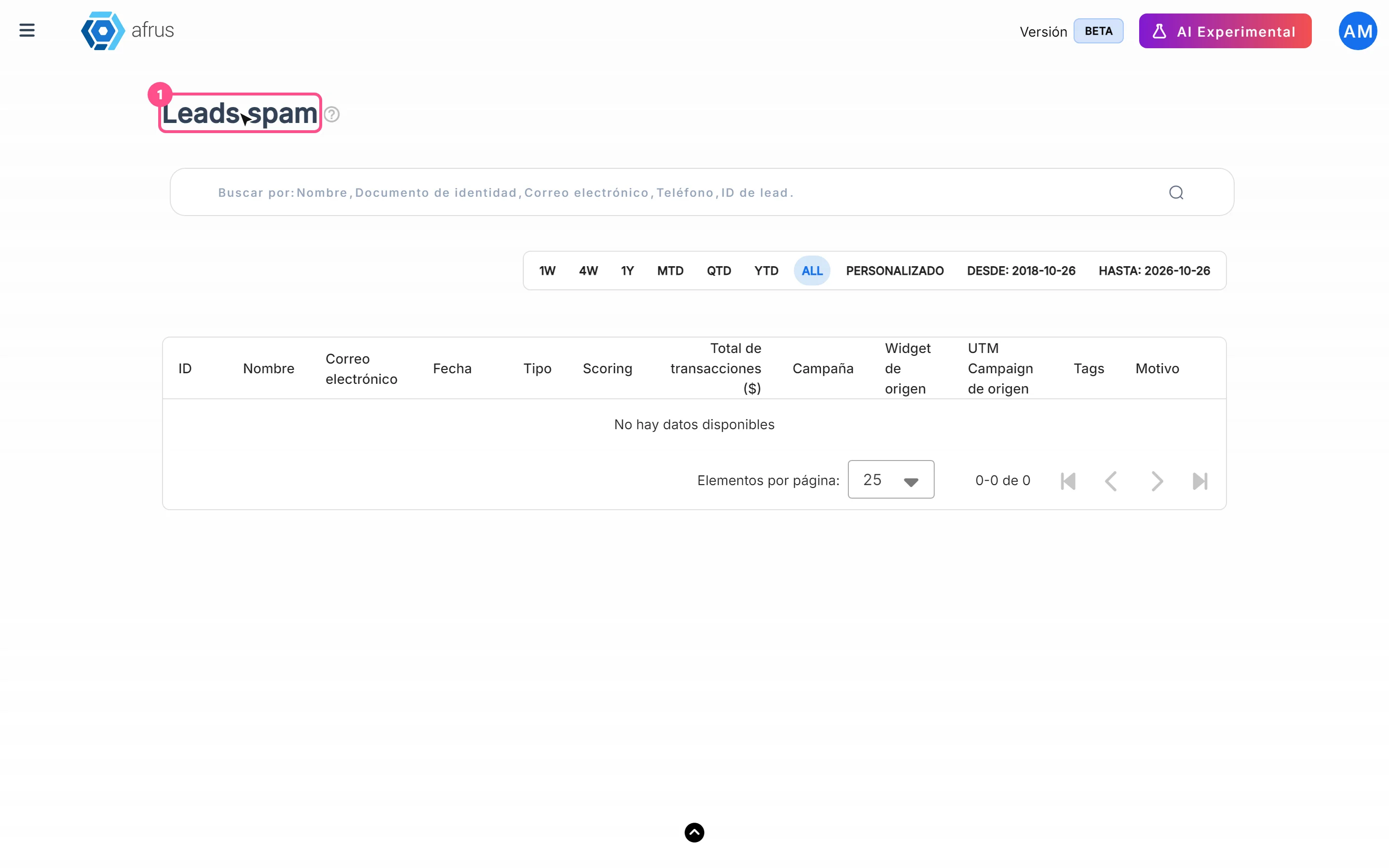
Leads spam guide
Complete guide to Leads spam: every step with its screenshots and the frequently asked questions.
afrus.ai

Follow up
October 28, 2026
Radar - fraud monitor guide
Complete guide to Radar - fraud monitor: every step with its screenshots and the frequently asked questions.
afrus.ai
Follow up
October 28, 2026
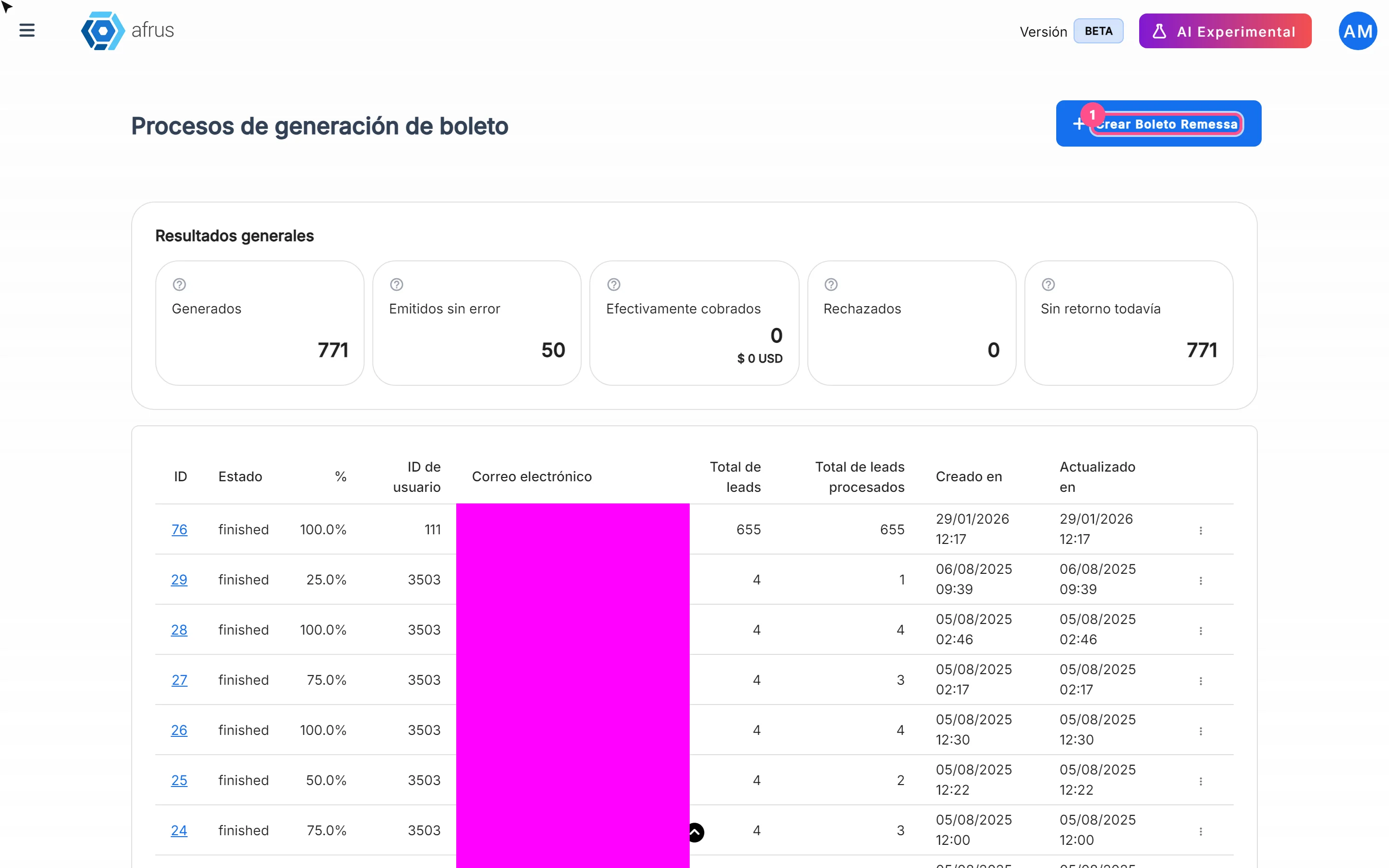
Boleto Itaú guide
Complete guide to Boleto Itaú: every step with its screenshots and the frequently asked questions.
afrus.ai
Follow up
October 28, 2026
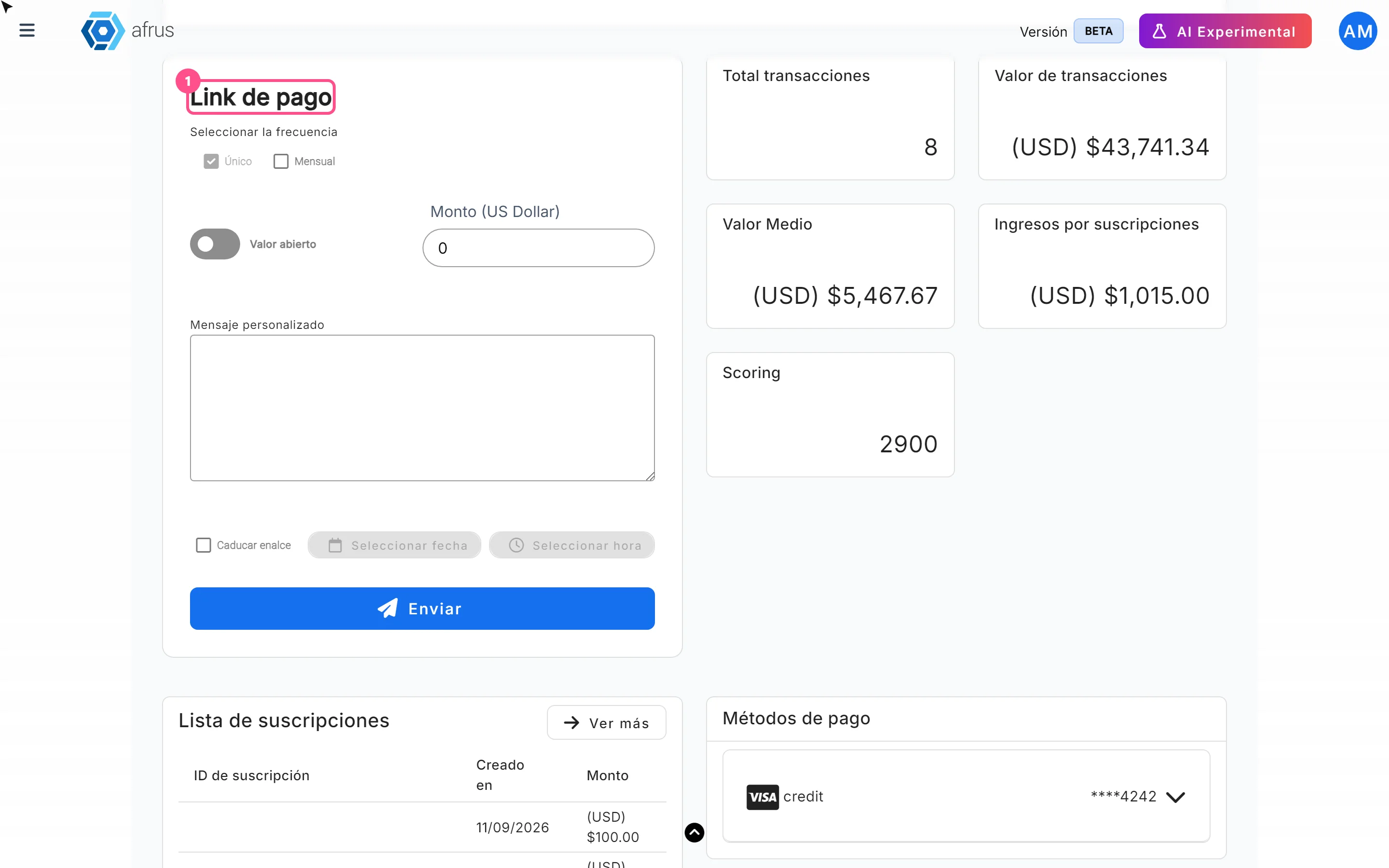
Payment links guide
Complete guide to Payment links: every step with its screenshots and the frequently asked questions.
afrus.ai