🡠 Back


Abandoned transactions guide
Reading time
3 min
Follow up
October 28, 2026
afrus.ai
Complete guide to Abandoned transactions: every step with its screenshots and the frequently asked questions.
In this article
After reading this guide you will know what Abandoned transactions are, when AFRUS considers a donation abandoned and how to use this list to reach out to those people again.
Module: Follow up · Menu: Follow up > Transacciones abandonadas · Audience: fundraising and donor care teams
About the labels in this guide: buttons, fields and menus are written exactly as they appear in the Spanish version of the console, with an English explanation where it helps.
What Abandoned transactions are
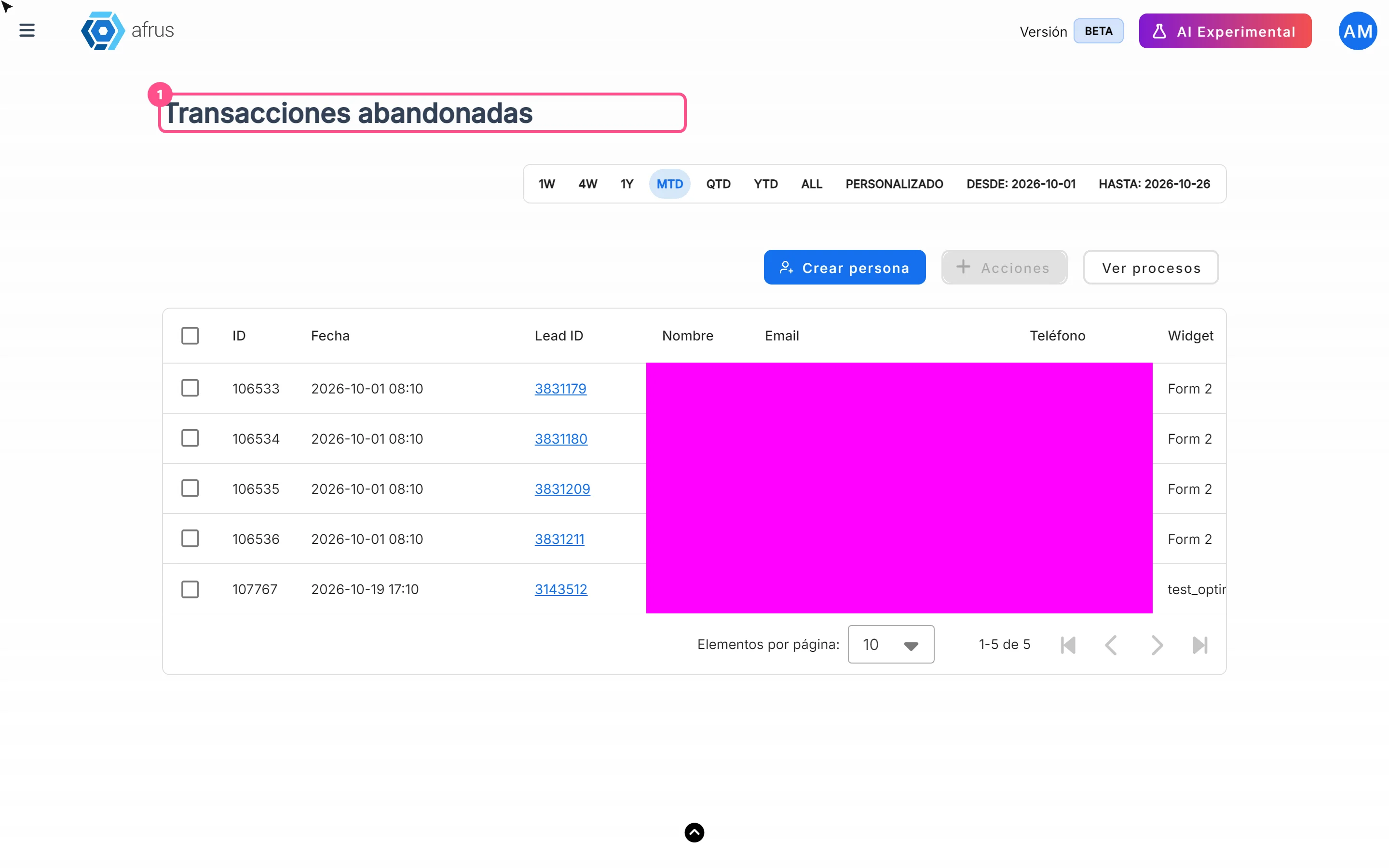
Abandoned transactions are the list of people who started a donation in a widget, reached the payment step and didn't finish it.
For each case you see the Lead ID, name, Email, phone, the Widget and Campaña (campaign) where the donation started, and the date the abandonment was recorded.
What it is for
- Recover half-finished donations. These people already showed they wanted to give: a good reminder can convert them.
- Know where they stopped. You see which Widget and Campaña they started with, so you can check whether something in that form is holding donors back.
- Have contact details at hand. Email and phone, ready to write or call.
- Work the list outside AFRUS. Export the list; the file goes to Descargas (Downloads).
Step by step
How often it updates
- AFRUS checks for abandonments every hour, on the hour.
- A donation shows up as abandoned between 15 minutes and about 1 hour 15 minutes after the person stopped moving forward.
- The screen doesn't refresh on its own. Data loads when you open it and when you change dates, sort or page. Reload the page to see new cases.
When a transaction is considered abandoned
- The person starts a donation in a widget and reaches the payment step. At that moment AFRUS marks them as "in the process of donating".
- If the donation finishes, it's not an abandonment. Whether the payment succeeds or fails, that mark is cleared and the person doesn't appear on this list.
- If the mark is still active, the hourly check records it as abandoned when the person's last activity was between 15 minutes and 1 hour 15 minutes earlier.
- The donation-start record must exist for that widget and campaign.
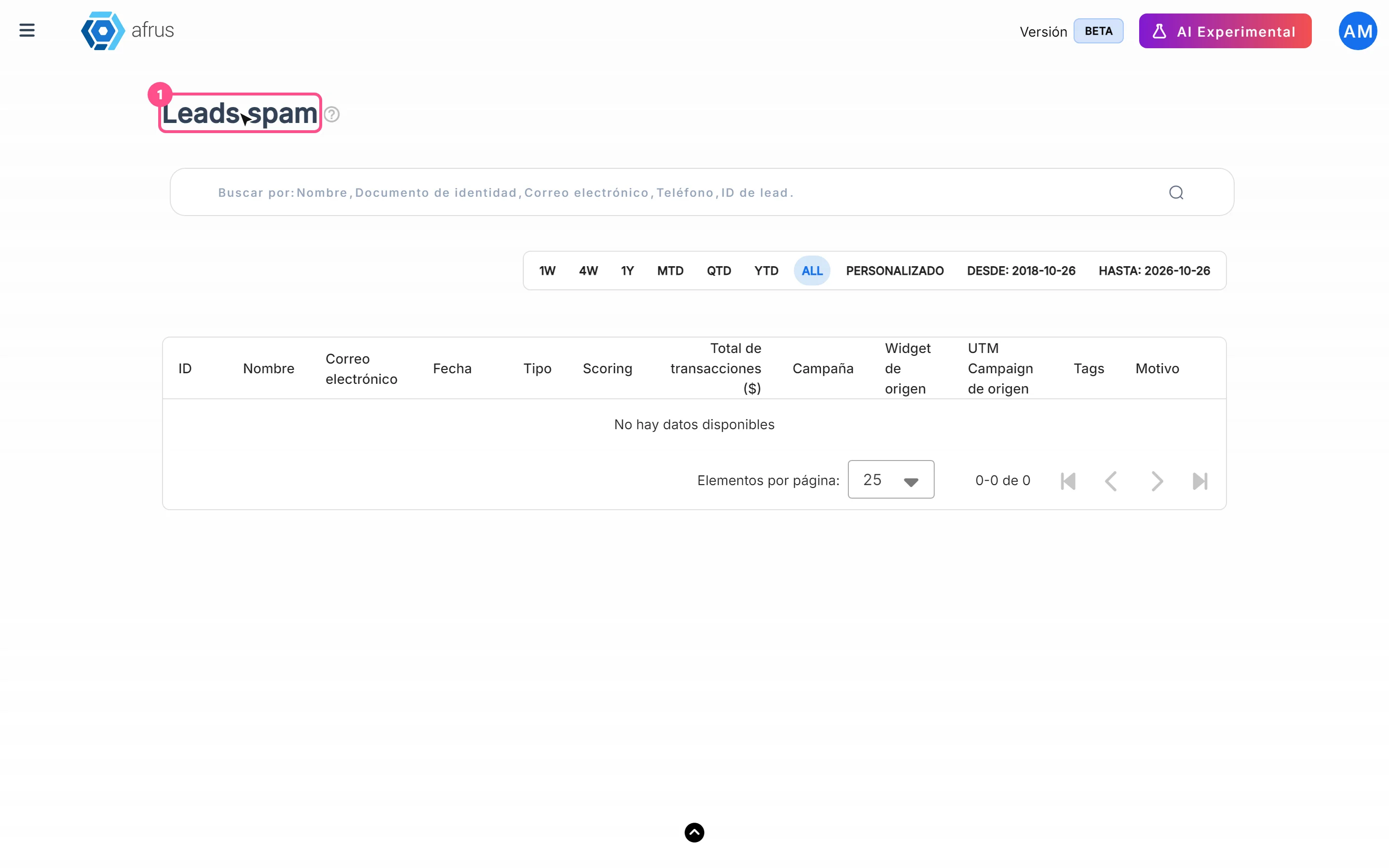
People marked as spam (see Follow up > Leads spam) are not recorded as abandoned.
How to review and export abandoned transactions
- Open the list. Go to Follow up > Transacciones abandonadas.
- Choose the dates. By default the current month is shown. The filter uses the date the abandonment was recorded.
- Select the rows. Tick the ones you want, or select them all with the selection notice.
- Export. Click "Acciones" (Actions) and choose Exportar (Export). The file is created in Descargas.
On this screen, "Acciones" only offers export: you can't add tags or delete.
Frequently asked questions
If the donation fails, does the person appear here?
No. If the payment finishes, whether it succeeds or fails, it doesn't count as abandoned.
Does AFRUS send these people an automatic email?
Yes, as long as the Transacción abandonada (Abandoned transaction) email is set up in Interacciones > Autoresponders.
Last updated: 2026-10-27
Need help? Talk to the afrus team
In this article
✕
Related Tutorials
Follow up
October 28, 2026
Leads spam guide
Complete guide to Leads spam: every step with its screenshots and the frequently asked questions.
afrus.ai

Follow up
October 28, 2026
Radar - fraud monitor guide
Complete guide to Radar - fraud monitor: every step with its screenshots and the frequently asked questions.
afrus.ai
Follow up
October 28, 2026
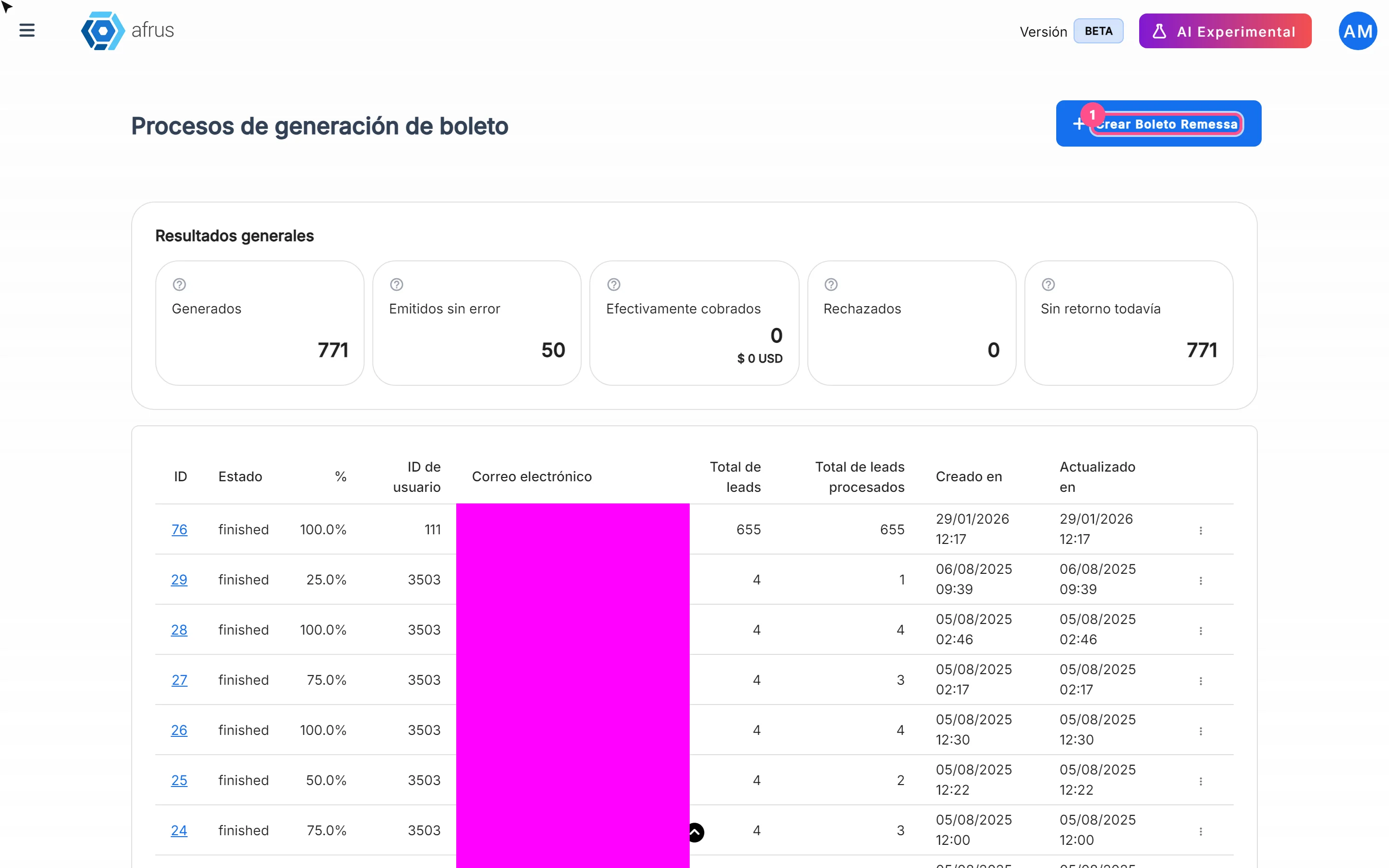
Boleto Itaú guide
Complete guide to Boleto Itaú: every step with its screenshots and the frequently asked questions.
afrus.ai
Follow up
October 28, 2026
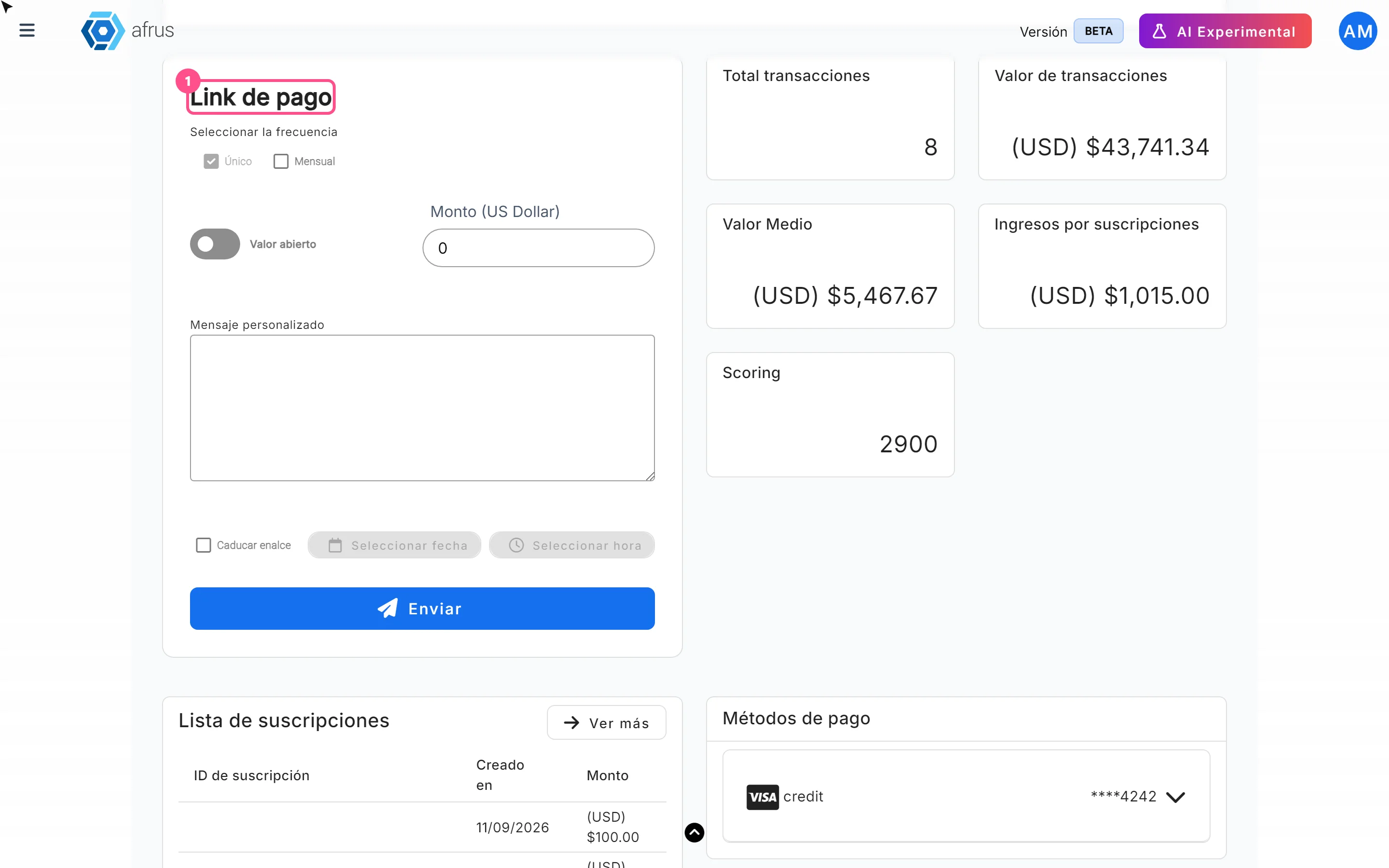
Payment links guide
Complete guide to Payment links: every step with its screenshots and the frequently asked questions.
afrus.ai