🡠 Back


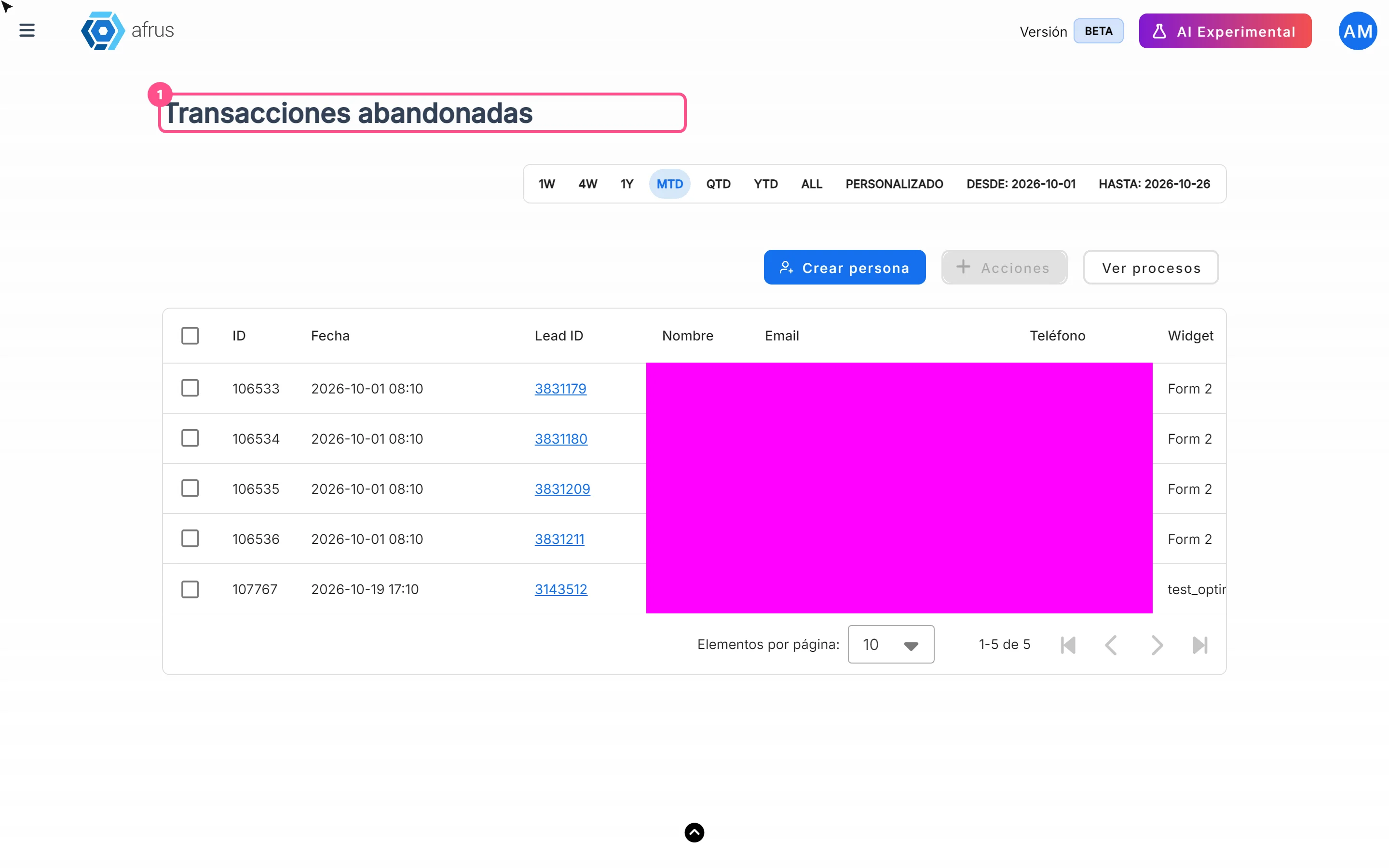
What Abandoned transactions are for
Reading time
1 min
Follow up
October 27, 2026
afrus.ai
Learn what Abandoned transactions are for: reaching out to people who almost donated and reviewing your forms.
In this article
Labels are shown as they appear in the Spanish version of the console.
- Recover half-finished donations. These people already showed they wanted to give: a good reminder can convert them.
- Know where they stopped. You see which Widget and Campaña they started with, so you can check whether something in that form is holding donors back.
- Have contact details at hand. Email and phone, ready to write or call.
- Work the list outside AFRUS. Export the list; the file goes to Descargas (Downloads).
Step by step: export
- Open the list. Go to Follow up > Transacciones abandonadas.
- Choose the dates. By default the current month is shown.
- Select the rows. Tick the ones you want, or select them all with the selection notice.
- Export. Click "Acciones" (Actions) and choose Exportar (Export). The file is created in Descargas.
Need help? Talk to the afrus team
In this article
✕
Related Tutorials
Follow up
October 27, 2026
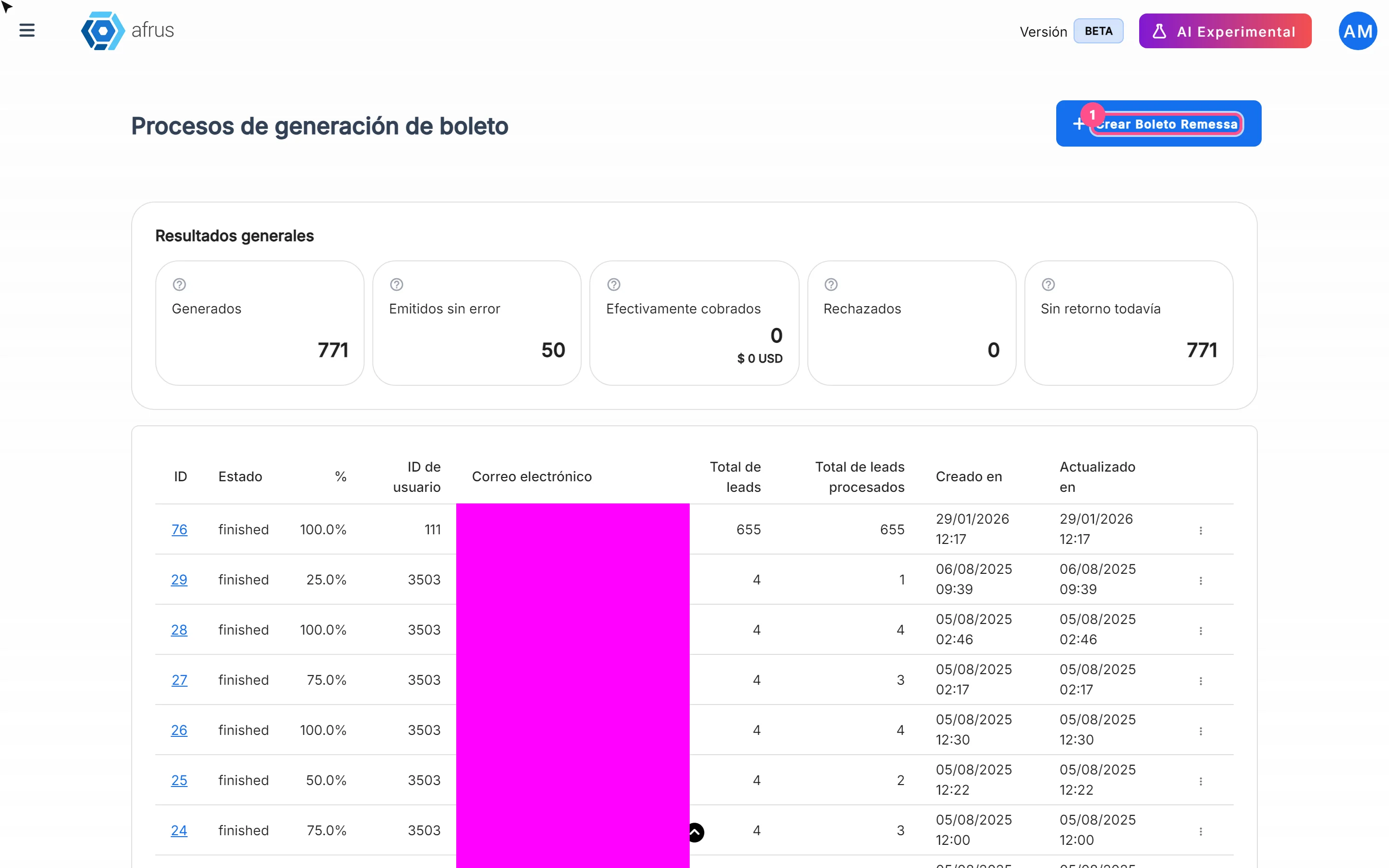
What Boleto Itaú is for
Learn what Boleto Itaú is for: generating boletos in batches, getting the bank file and tracking how many were collected.
afrus.ai
Follow up
October 27, 2026
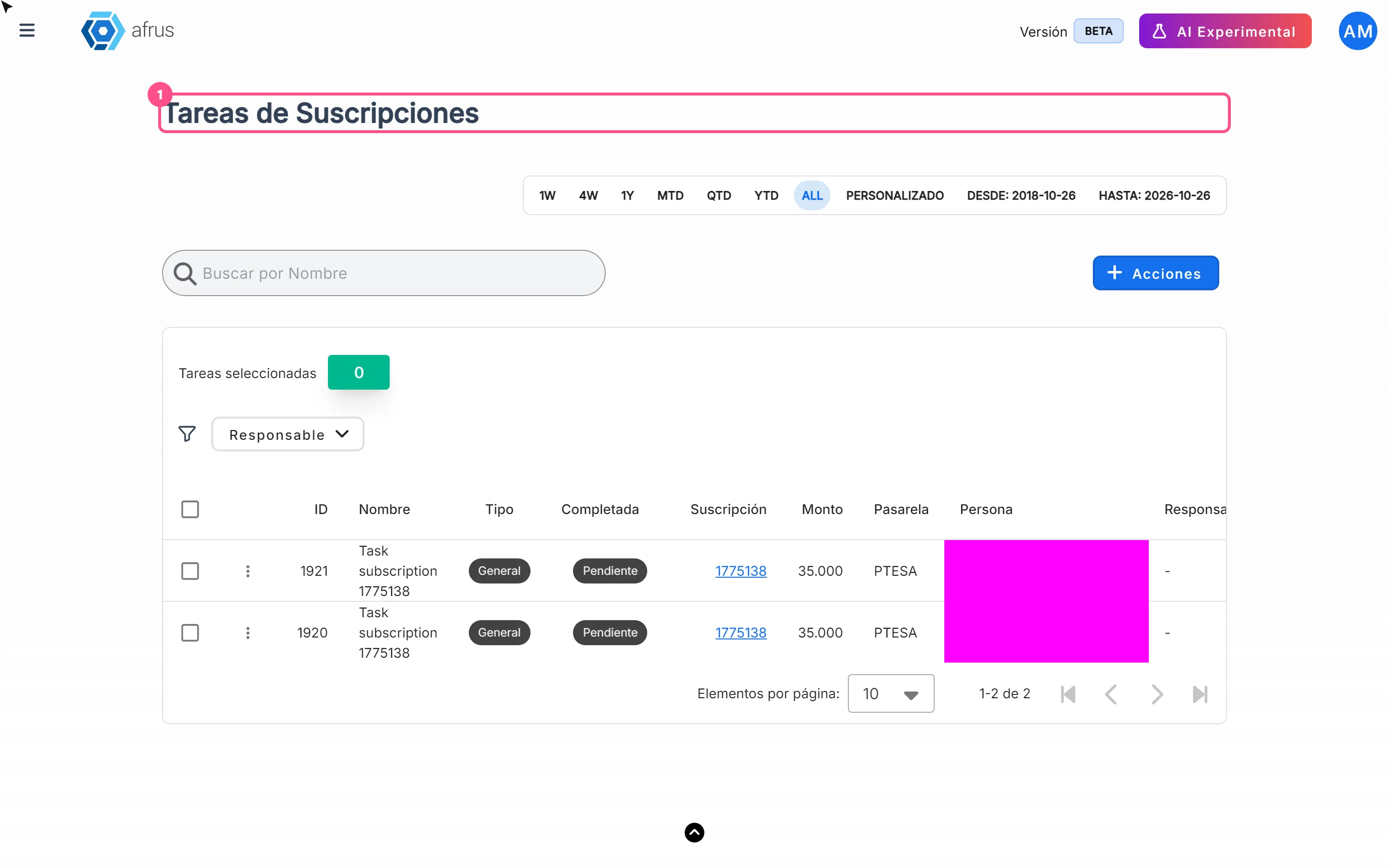
How often Subscription tasks update
Learn when Subscription tasks are created and reopened, and when the screen updates.
afrus.ai
Follow up
October 27, 2026
Does the task leave the list when the subscription is charged?
Learn what happens to a Subscription task when the subscription is charged successfully again.
afrus.ai
Follow up
October 27, 2026
Subscription task statuses
Learn what the Pending and Completed statuses and the task types mean in Subscription tasks.
afrus.ai