🡠 Back


What Subscriptions is for
Reading time
1 min
Subscriptions
October 27, 2026
afrus.ai
Learn what the Subscriptions module is for: tracking, finding, exporting, modifying and cancelling recurring donations.
In this article
The Suscripciones (Subscriptions) module helps you look after your recurring donors. This is what it lets you do:
- Know how many subscriptions you have and their status. The Estado (Status) column shows, for example, whether they are active, failed or cancelled.
- Find a donor's subscription. Search by name, ID document, email, phone or ID.
- Download a group of subscriptions. Export the subscriptions you filtered to Excel.
- Change the amount or the charge date. Handle your donors' requests without them having to donate again.
- Cancel a subscription when the donor asks for it.
- Mark fraudulent subscriptions to remove them from your lists.
Frequently asked questions
Where do I see each month's charges?
In Transacciones (Transactions), or in the history of the subscription's detail.
Need help? Talk to the afrus team
In this article
✕
Related Tutorials
Subscriptions
October 27, 2026
What Subscriptions is
Learn what the AFRUS Suscripciones (Subscriptions) module is: the list of your organization's recurring donations.
afrus.ai
Subscriptions
October 27, 2026
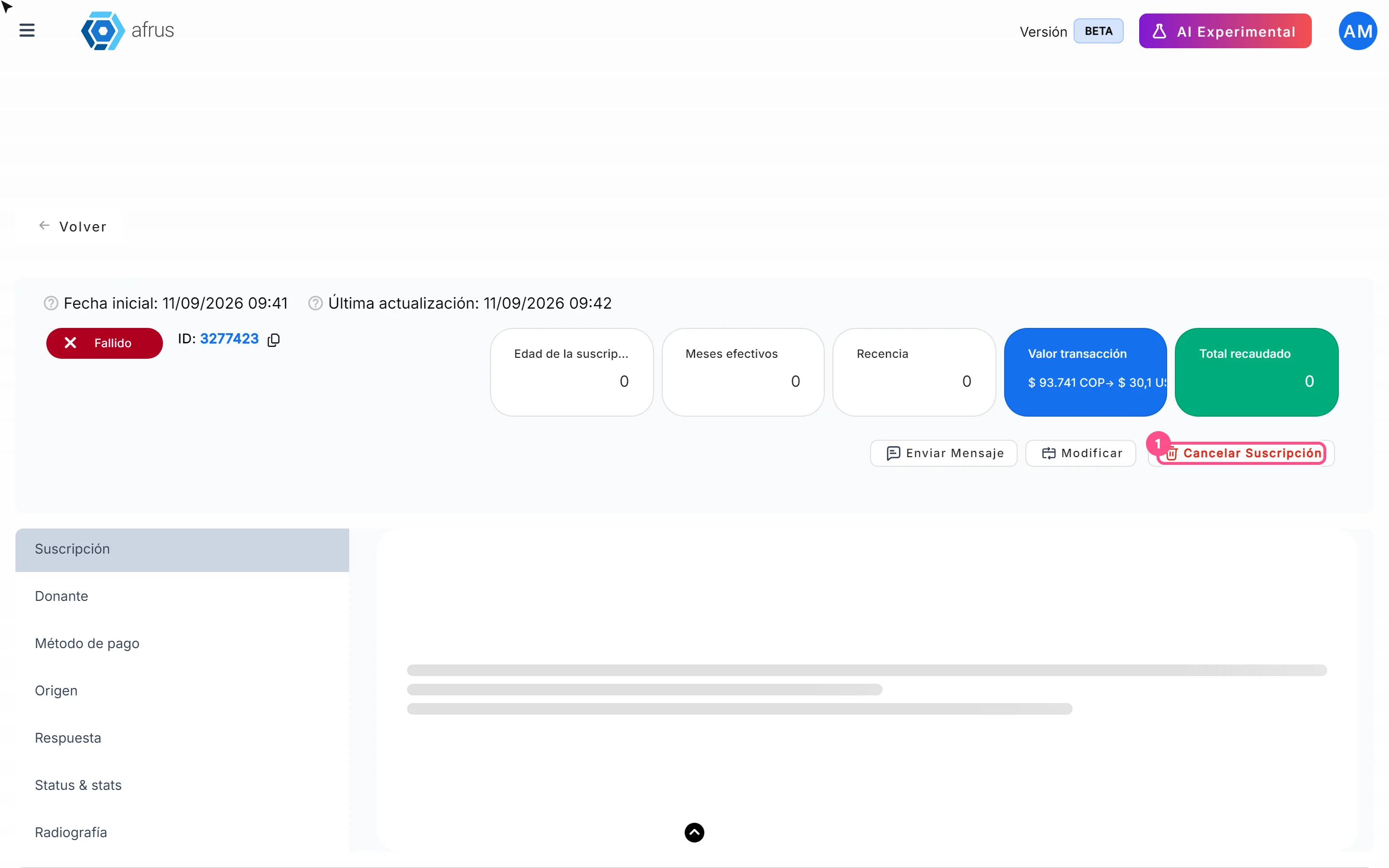
How to cancel a subscription
Learn how to cancel a recurring donation from the subscription detail in AFRUS, and what happens next.
afrus.ai

Subscriptions
October 27, 2026
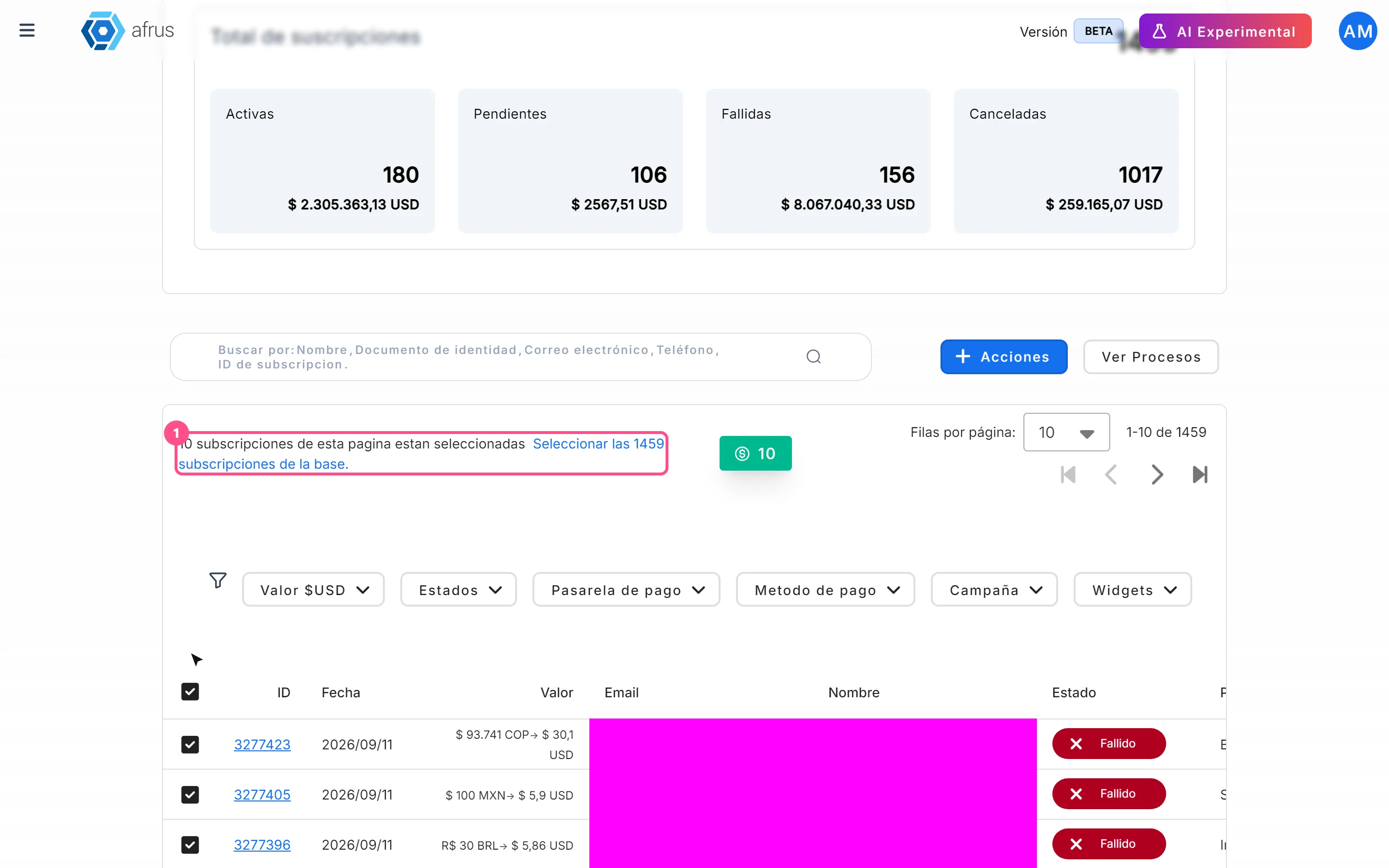
How to mark a subscription as fraud
Learn how to mark one or more subscriptions as fraud in AFRUS, and what this action does.
afrus.ai
Subscriptions
October 27, 2026
How to download a group of subscriptions
Learn how to export a filtered group of subscriptions to Excel in AFRUS and download the file.
afrus.ai