🡠 Back


What types of actions there are in Downloads
Reading time
1 min
Data
October 27, 2026
afrus.ai
Learn what each icon in the Downloads list means and what to do when a file is in progress, failed or expired.
In this article
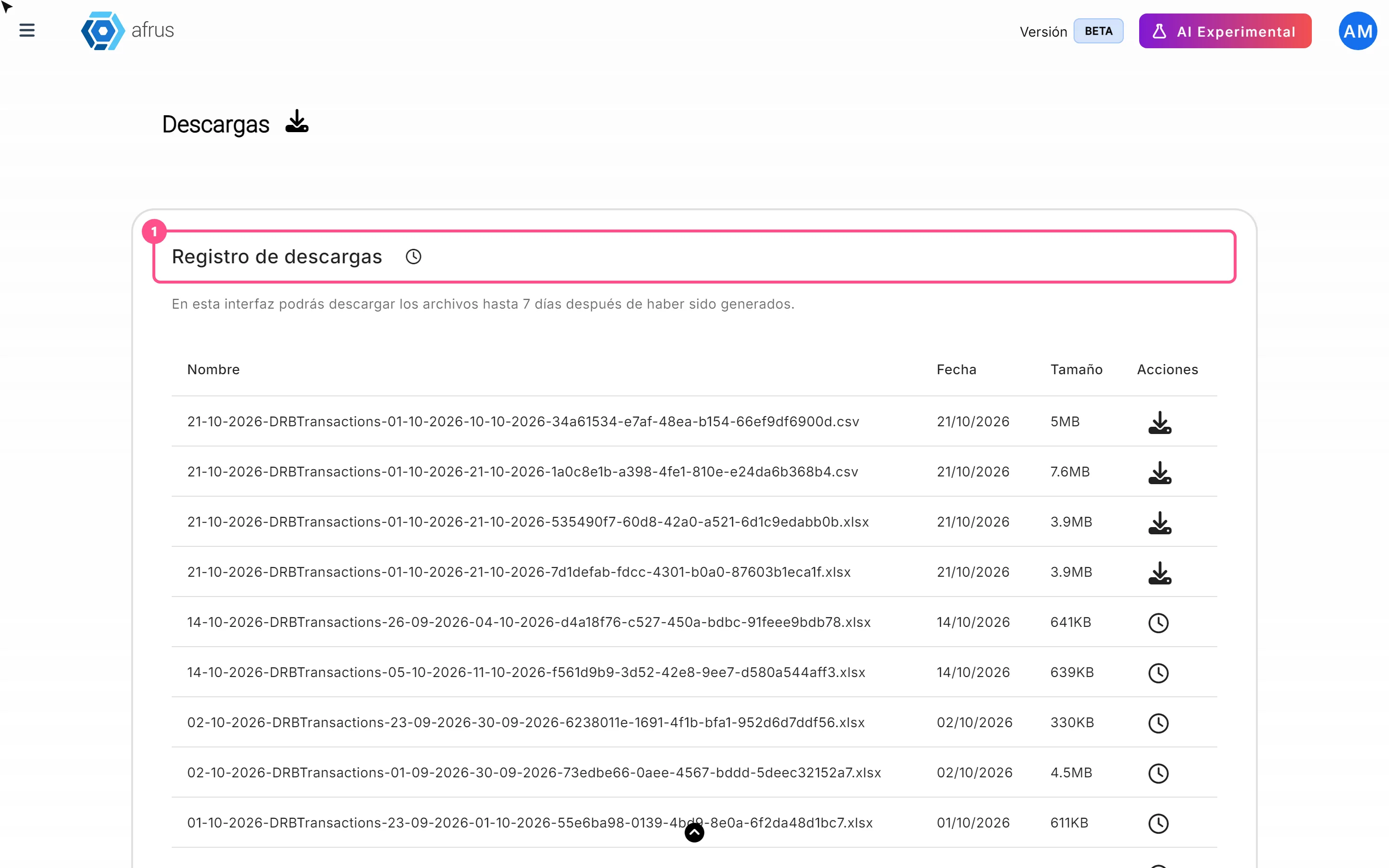
In Data > Descargas, the Acciones (Actions) column of each row shows an icon that tells you the file's status:
- Download button: the file is ready. Click it to download.
- Spinning circle: AFRUS is preparing the file. Wait a few minutes.
- Exclamation mark: something went wrong. Hover over it to see the detail, and request the export again.
- Clock: more than 7 days have passed and it can no longer be downloaded. Export it again.
- No icon: the file is waiting in line and hasn't started yet.
Frequently asked questions
I chose CSV and got an Excel file. Is that normal?
Yes, for now files always come in Excel (.xlsx). You can save it as CSV from Excel or Google Sheets.
The button keeps spinning after downloading. The file is already downloaded. Reload the page.
An export failed and I don't see the error. Reload the page: the list doesn't show errors by itself.
Need help? Talk to the afrus team
In this article
✕
Related Tutorials

Data
October 27, 2026
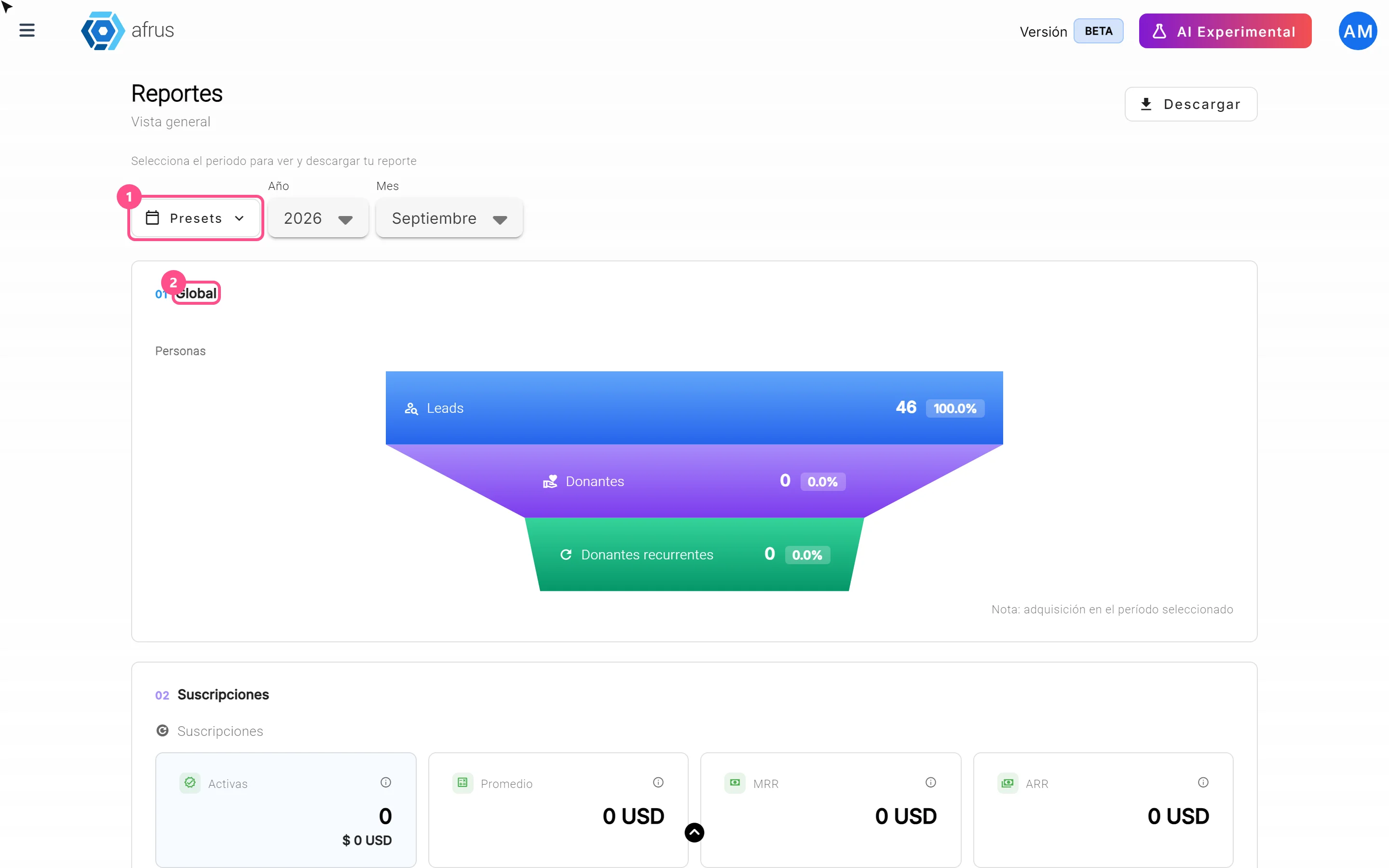
What the Presets, Año and Mes filters of the General report are for
Learn how to choose the period of the Reporte general with the Presets, Año (Year) and Mes (Month) filters.
afrus.ai
Data
October 27, 2026
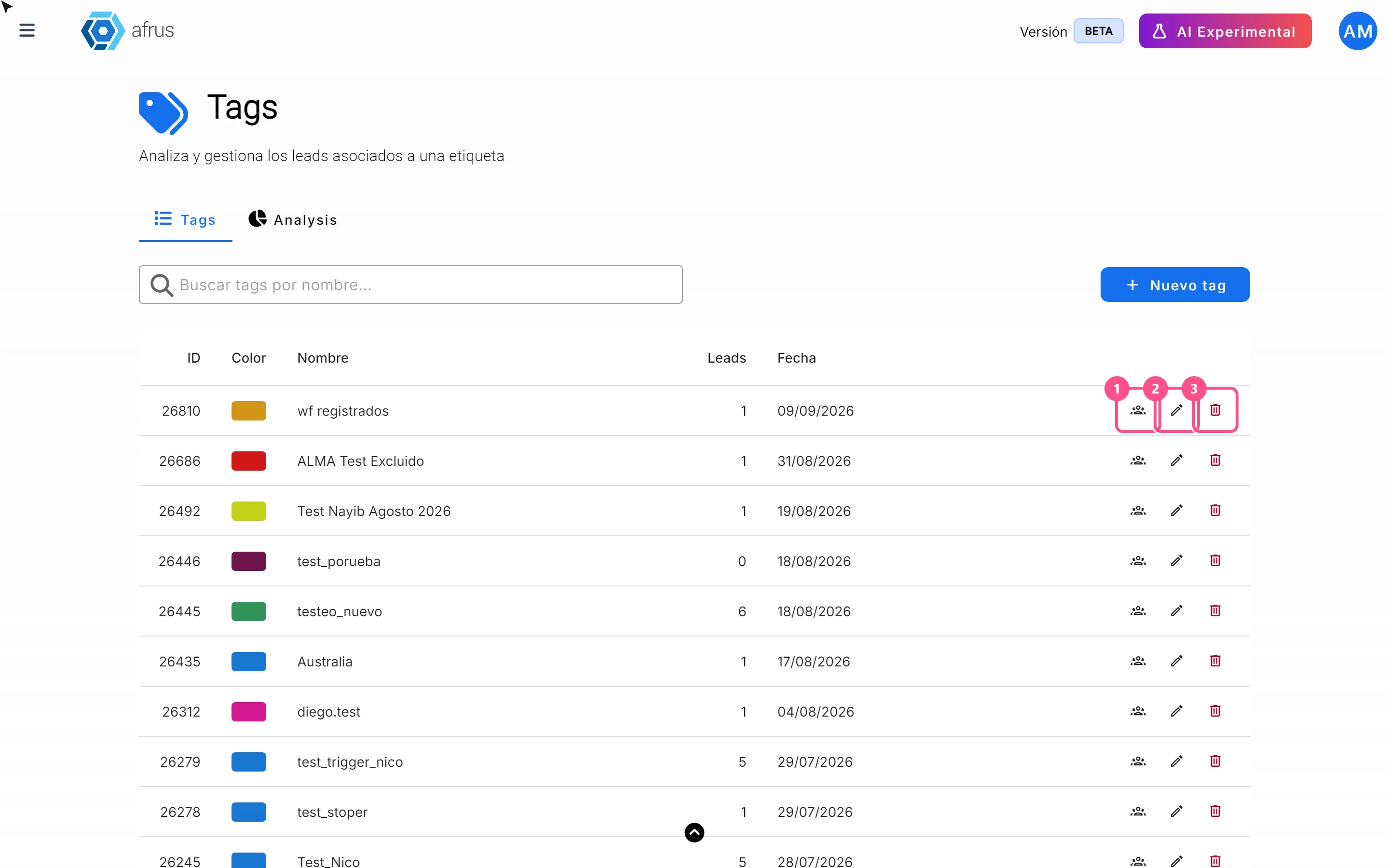
What the 3 icons of each tag do
Learn how to use each tag's icons: see the people who have it, edit it and delete it.
afrus.ai
Data
October 27, 2026
What Downloads is for
Learn what Downloads is for: getting your exports, knowing when they're ready and keeping them in one place.
afrus.ai
Data
October 27, 2026
What the Reporte general (General report) is
Learn what the Reporte general is: the dashboard with your organization's most important numbers in one place.
afrus.ai