🡠 Back


How to create an Itaú import
Reading time
2 min
Follow up
October 27, 2026
afrus.ai
Learn the process to upload the Itaú bank's return file to AFRUS and record the donations from paid boletos.
In this article
Before you start
- Have the bank's return file (CNAB 400) for boletos generated with AFRUS.
- Have an active campaign to record the donations in.
- Check people's data: each one needs a CEP (postal code), document type and number.
Step by step
Labels are shown as they appear in the Spanish version of the console.
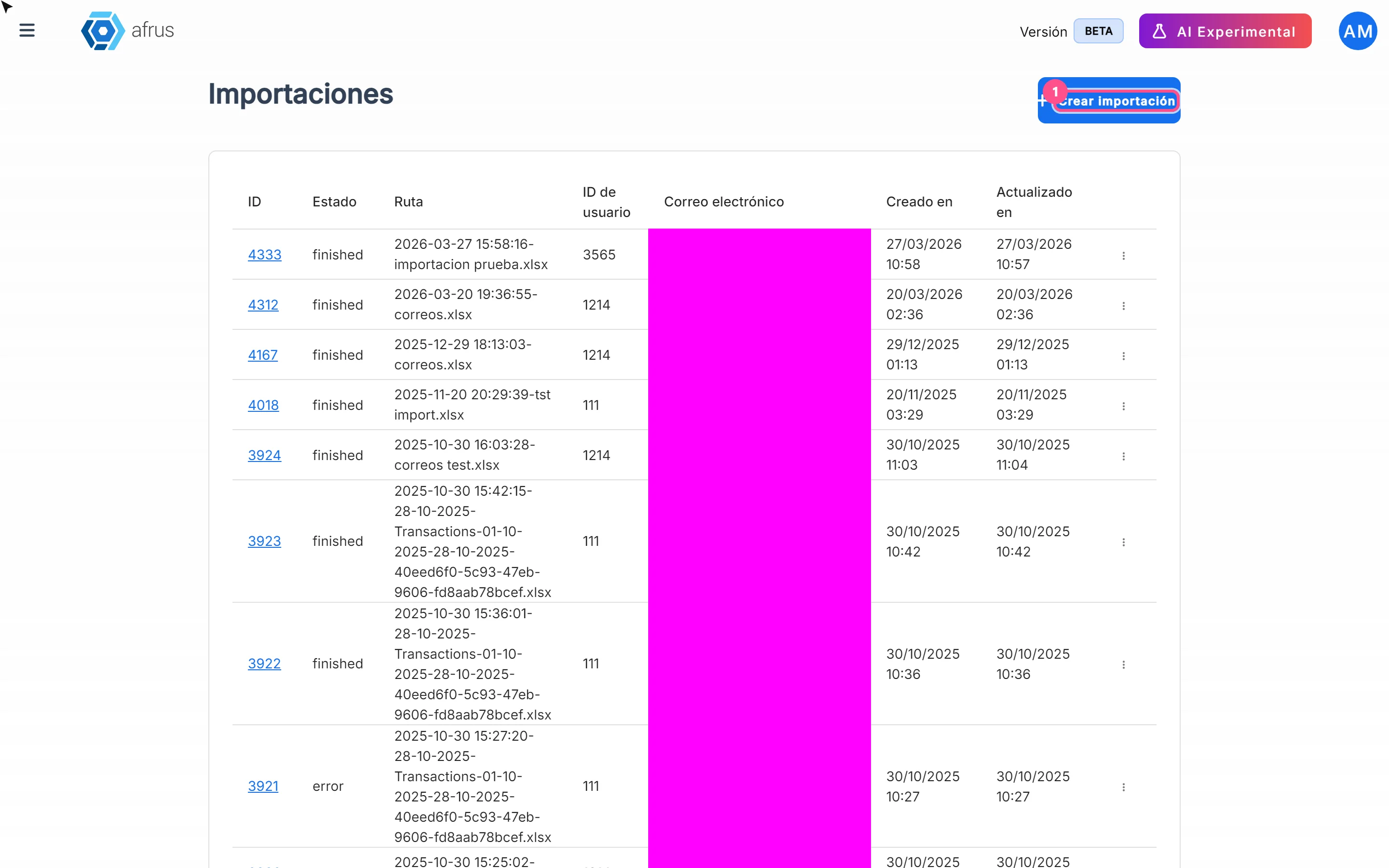
- Open Imports. Go to Follow up > Importaciones - itaú and click "Crear importación" (Create import).
- Check the type. In Tipo de importación (Import type) leave Boleto.
- Choose the campaign. In Campaña (Campaign), choose an active campaign (required).
- Choose the widget (optional). In Formulario / Widget. If you don't choose one, the default widget is used.
- Upload the file. Click "Subir archivos" (Upload files) or drag it in. Maximum size: 64 MB.
- Import. Click "Importar" (Import).
- Confirm it was created. You will see Importación en proceso (Import in progress). Check that the import appears in the list: the dialog can appear even if the upload failed.
- Review the result. In the row menu, "Ver Líneas" (View lines) shows each line's status and Mensaje de Error.
For each line with complete data, AFRUS records a successful donation for the boleto's amount, in Brazilian reais (BRL), in the chosen campaign and widget.
Frequently asked questions
How long does it take?
A few minutes, in the background. The screen doesn't refresh by itself: reload it.
Need help? Talk to the afrus team
In this article
✕
Related Tutorials
Follow up
October 27, 2026
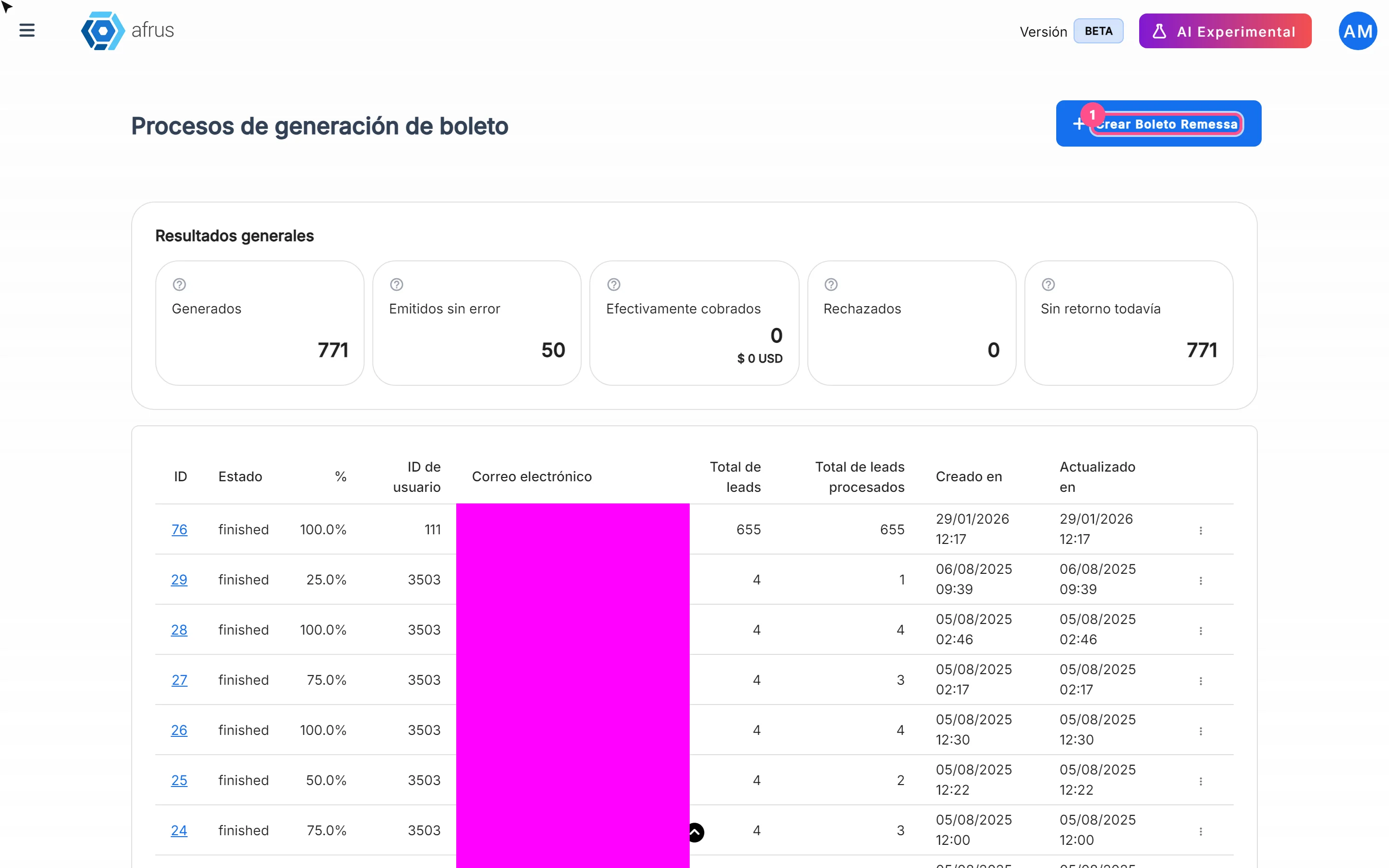
What Boleto Itaú is for
Learn what Boleto Itaú is for: generating boletos in batches, getting the bank file and tracking how many were collected.
afrus.ai
Follow up
October 27, 2026
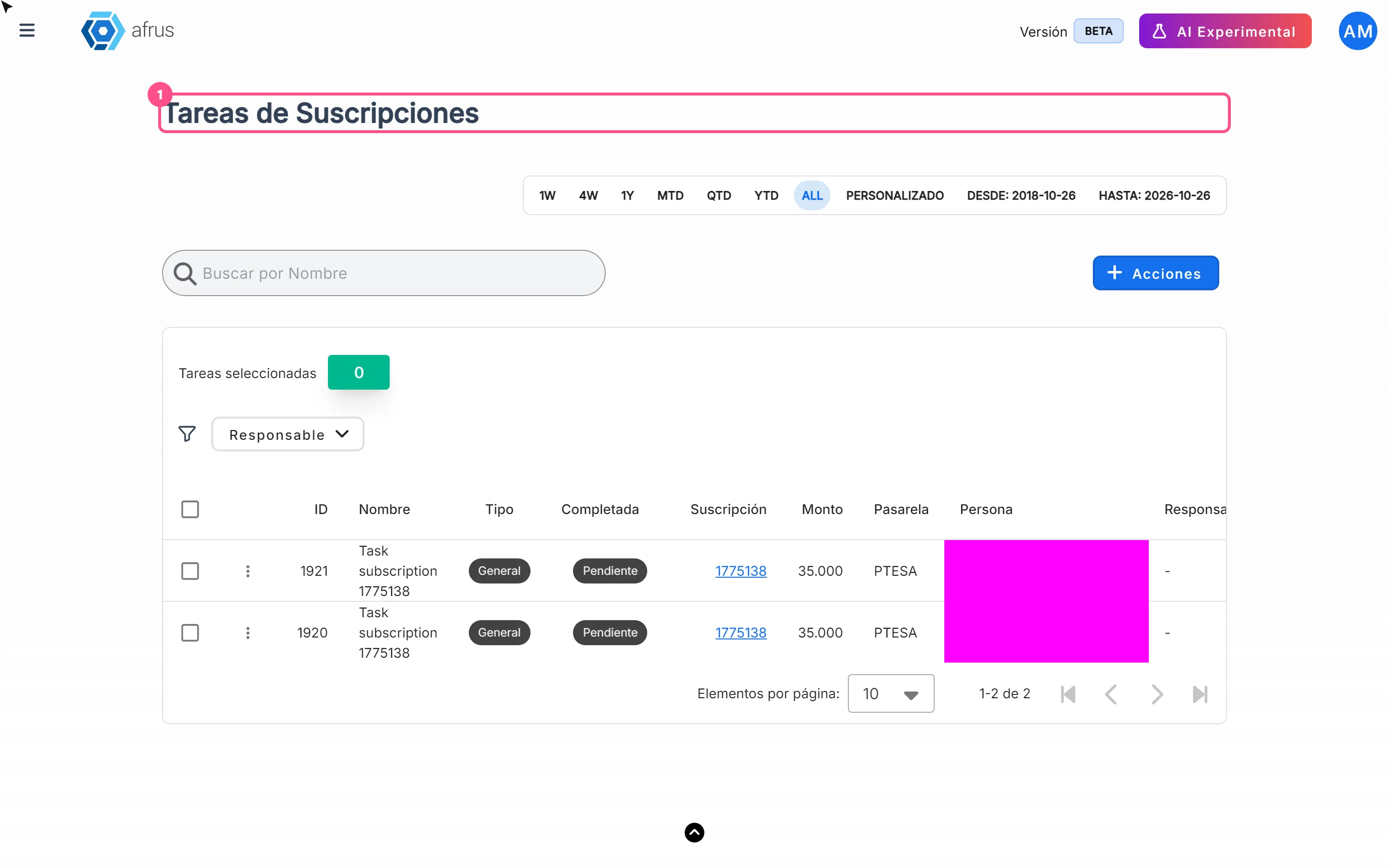
How often Subscription tasks update
Learn when Subscription tasks are created and reopened, and when the screen updates.
afrus.ai
Follow up
October 27, 2026
Does the task leave the list when the subscription is charged?
Learn what happens to a Subscription task when the subscription is charged successfully again.
afrus.ai
Follow up
October 27, 2026
Subscription task statuses
Learn what the Pending and Completed statuses and the task types mean in Subscription tasks.
afrus.ai