🡠 Back


How to download a group of transactions
Reading time
1 min
Transactions
October 27, 2026
afrus.ai
Learn how to export to Excel the transactions you choose or all those matching your filters.
In this article
Labels are shown as they appear in the Spanish version of the console.
Step by step
- Filter what you need. Set dates, search and filters.
- Select. Tick the rows you want, or tick the header box and click "Seleccionar las N transacciones de la base." (Select all N transactions) to export everything filtered.
- Export. Click "Acciones transacciones" and choose Exportar (Export).
- Confirm. In Descargas (Downloads), choose Tipo de archivo (File type) and click "Confirmar". The export may take a few minutes.
- Download the file. Go to Data > Descargas.
Frequently asked questions
What format is it?
Always Excel (.xlsx), even if you choose CSV.
Is the CYC filter applied?
Not when exporting the whole database. If you need it, filter by CYC on screen and tick the rows one by one.
How long is the file available?
Up to 7 days after it is generated.
Need help? Talk to the afrus team
In this article
✕
Related Tutorials

Transactions
October 27, 2026
What Transactions are in AFRUS
Learn what the Transactions module is: the list of every payment your organization receives, one-time and recurring.
afrus.ai
Transactions
October 27, 2026
What Transactions are for
Learn what the Transactions module is for: finding payments, refunding, cleaning up fraud, exporting and AI thank-yous.
afrus.ai

Transactions
October 27, 2026
How to create an AI thank-you from Transactions
Learn how to send a donor a thank-you email written with AI from a successful transaction.
afrus.ai
Transactions
October 27, 2026
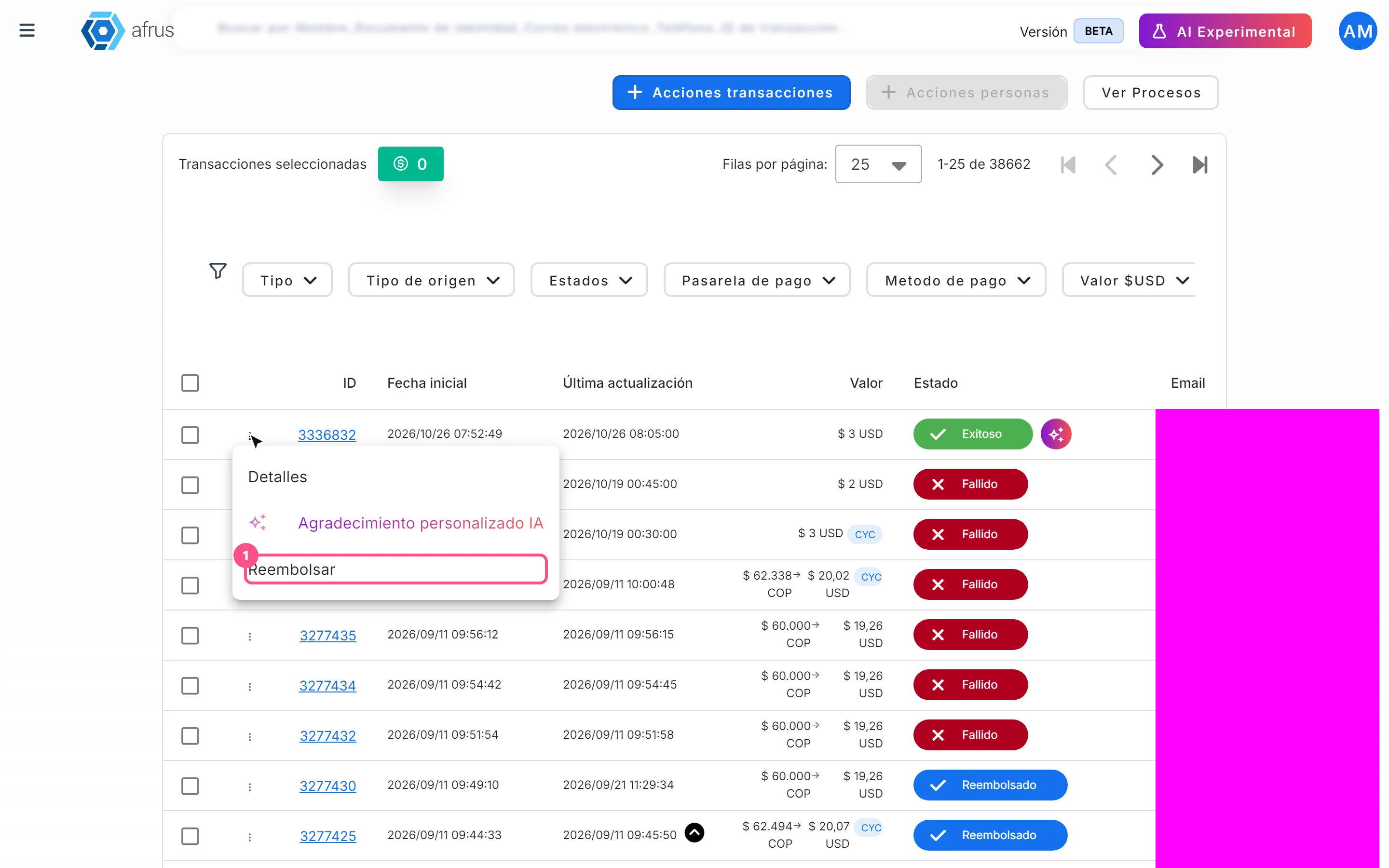
How to refund a donation
Learn how to refund a successful donation from Transactions and what happens next.
afrus.ai