🡠 Back


How to find out why a transaction failed
Reading time
1 min
Transactions
October 27, 2026
afrus.ai
Learn how to see why a payment failed: the AI explanation and the gateway's original response.
In this article
Labels are shown as they appear in the Spanish version of the console.
The list has no reason column: the reason is in the transaction details.
Step by step
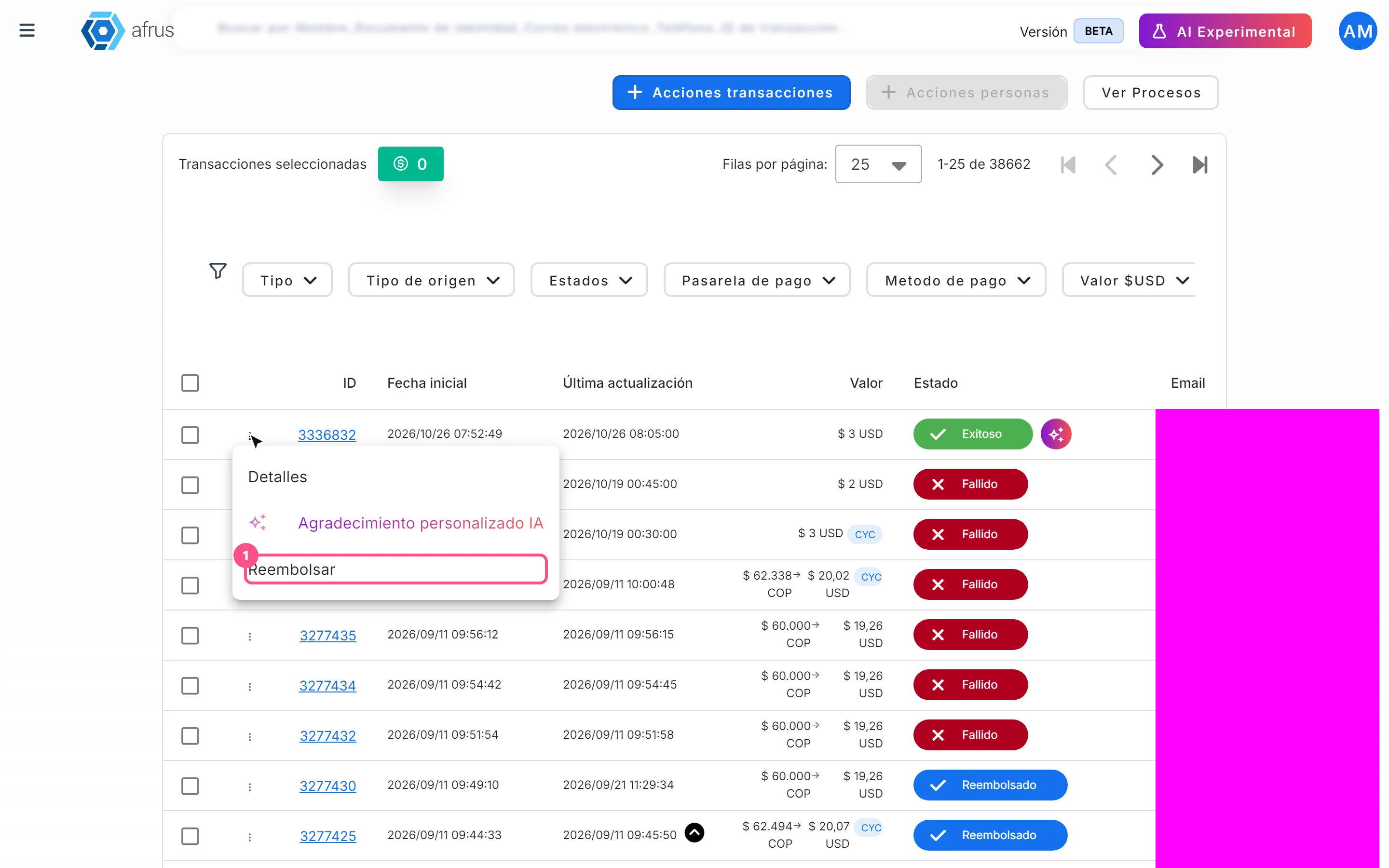
- Open the details. On a Fallido (Failed) or Rechazada (Rejected) transaction, choose Detalles (Details) in the three-dot menu or click the ID.
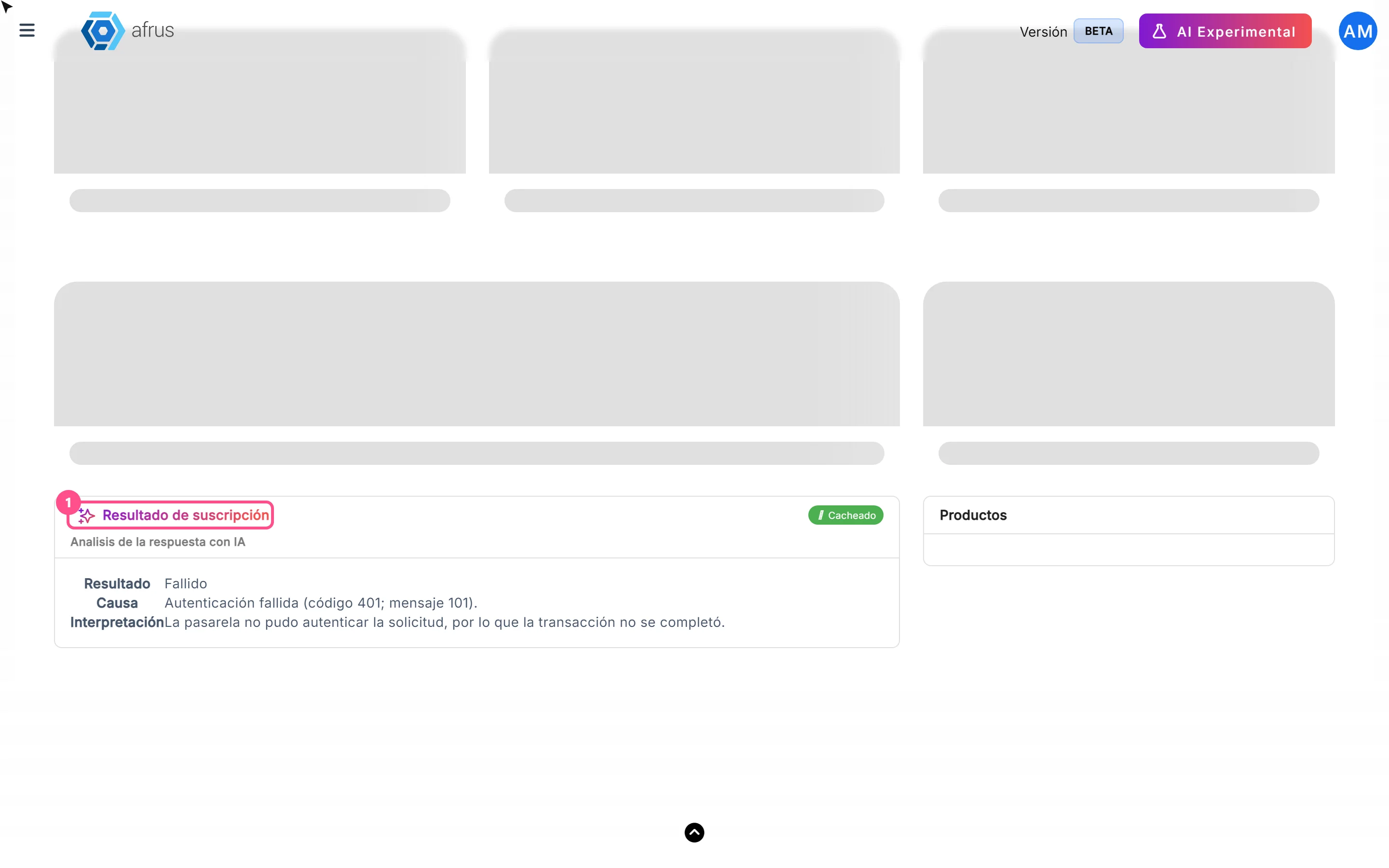
- Read the AI explanation. The Resultado de suscripción card explains in plain language what the gateway answered. It requires an active Business profile.
- Check the original response. Under Respuesta > Respuesta Gateway (Gateway response) is the decline code or message.
Frequently asked questions
What does the Cacheado label mean?
The analysis was generated the first time you opened the details and is now reused.
Why don't I see an analysis?
If the payment has no gateway response, there is no analysis.
Need help? Talk to the afrus team
In this article
✕
Related Tutorials

Transactions
October 27, 2026
What Transactions are in AFRUS
Learn what the Transactions module is: the list of every payment your organization receives, one-time and recurring.
afrus.ai
Transactions
October 27, 2026
What Transactions are for
Learn what the Transactions module is for: finding payments, refunding, cleaning up fraud, exporting and AI thank-yous.
afrus.ai

Transactions
October 27, 2026
How to create an AI thank-you from Transactions
Learn how to send a donor a thank-you email written with AI from a successful transaction.
afrus.ai
Transactions
October 27, 2026
How to refund a donation
Learn how to refund a successful donation from Transactions and what happens next.
afrus.ai