🡠 Back


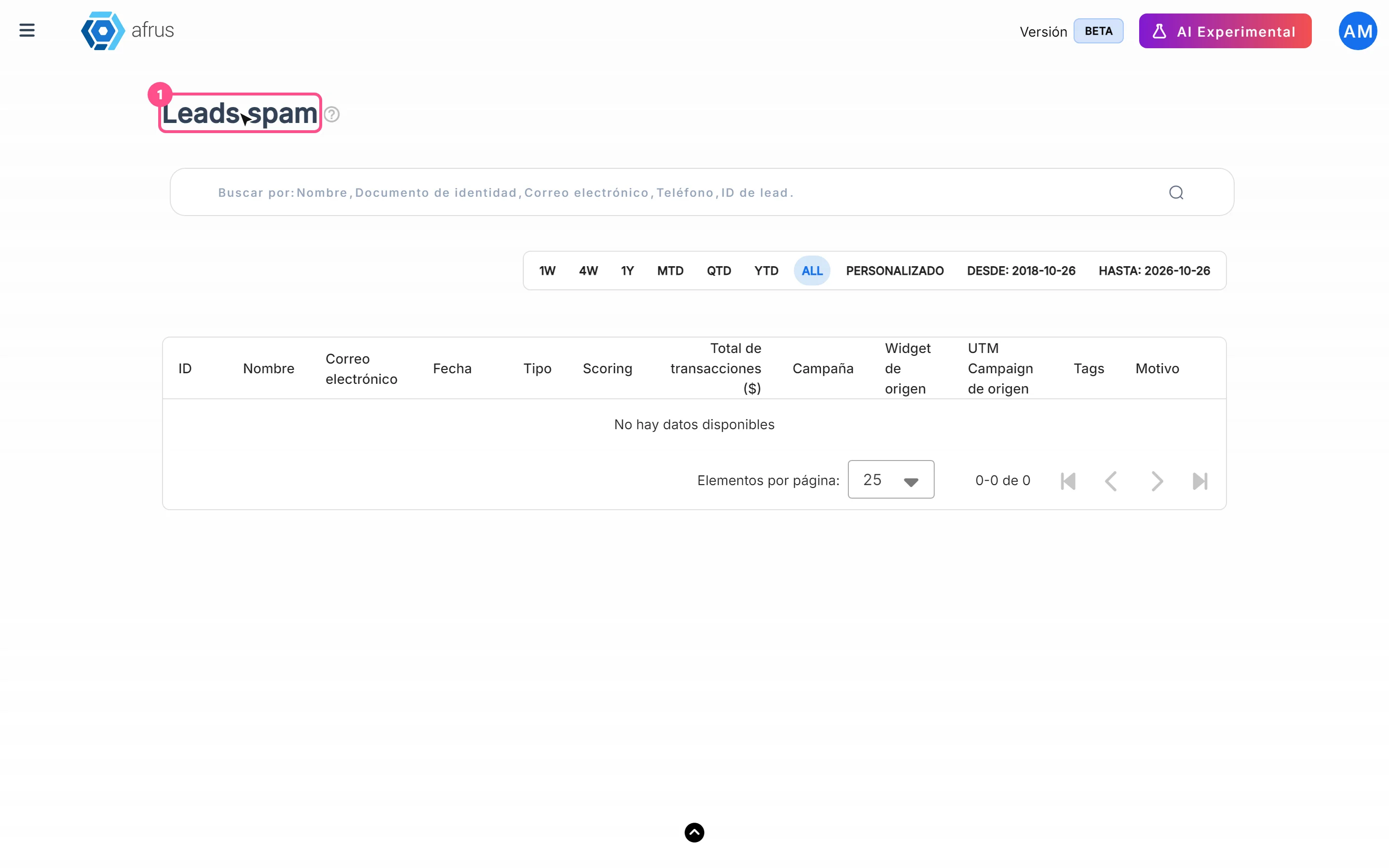
What Leads spam is for
Reading time
1 min
Follow up
October 27, 2026
afrus.ai
Learn what Leads spam is for: keeping your People database clean and bringing back real people who were set aside.
In this article
- Keeping your People database clean. Automated registrations don't mix with your real donors and contacts.
- Not losing anyone. People set aside are kept, so you can review them whenever you want.
- Fixing mistakes in time. With "No es spam" (Not spam) you bring back any real person who was set aside.
- Protecting your numbers. People in quarantine don't count in segments, campaigns, reports or the home dashboard, and they don't receive automated emails.
Step by step: restore a real person
- Open the list. Go to Follow up > Leads spam.
- Choose the date range. By default it shows the current month, by the date the person was created.
- Review the row. Look at the name, email, campaign and Motivo (Reason).
- Restore. If it is a real person, click "No es spam". They go back to Personas (People), your segments and your automated communications.
People are restored one at a time: this screen has no bulk actions, on purpose, so each case is reviewed carefully.
Need help? Talk to the afrus team
In this article
✕
Related Tutorials
Follow up
October 27, 2026
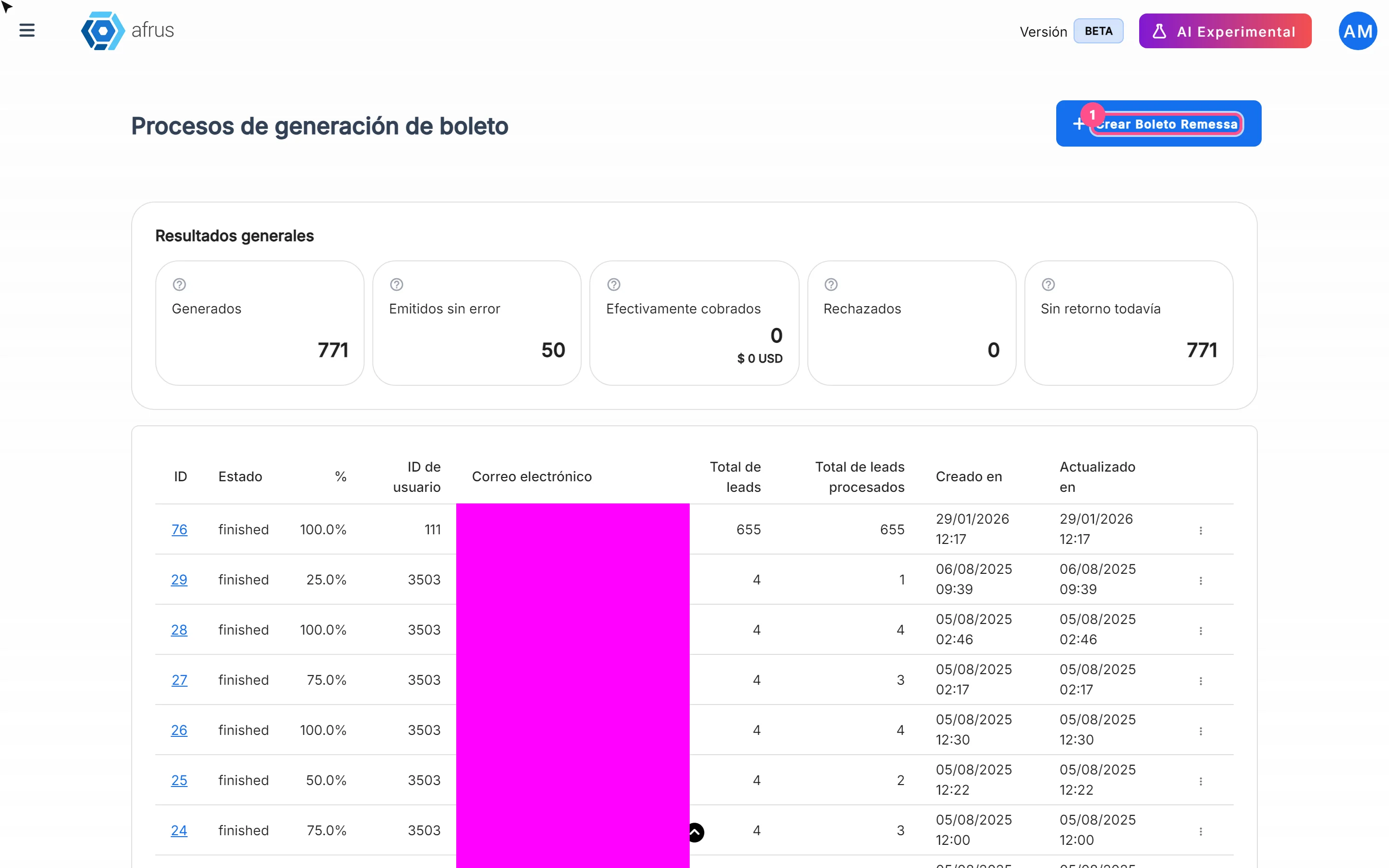
What Boleto Itaú is for
Learn what Boleto Itaú is for: generating boletos in batches, getting the bank file and tracking how many were collected.
afrus.ai
Follow up
October 27, 2026
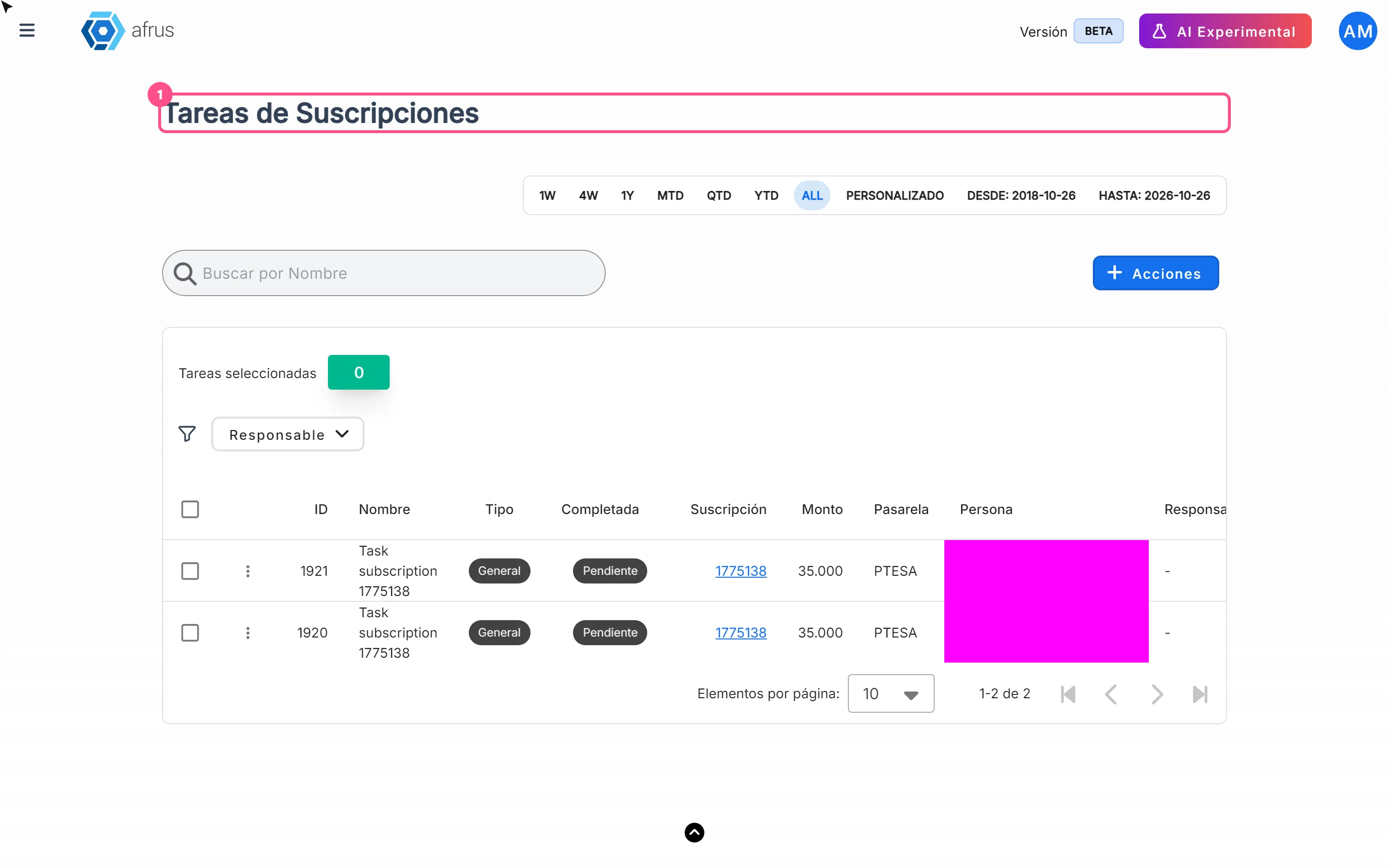
How often Subscription tasks update
Learn when Subscription tasks are created and reopened, and when the screen updates.
afrus.ai
Follow up
October 27, 2026
Does the task leave the list when the subscription is charged?
Learn what happens to a Subscription task when the subscription is charged successfully again.
afrus.ai
Follow up
October 27, 2026
Subscription task statuses
Learn what the Pending and Completed statuses and the task types mean in Subscription tasks.
afrus.ai